6
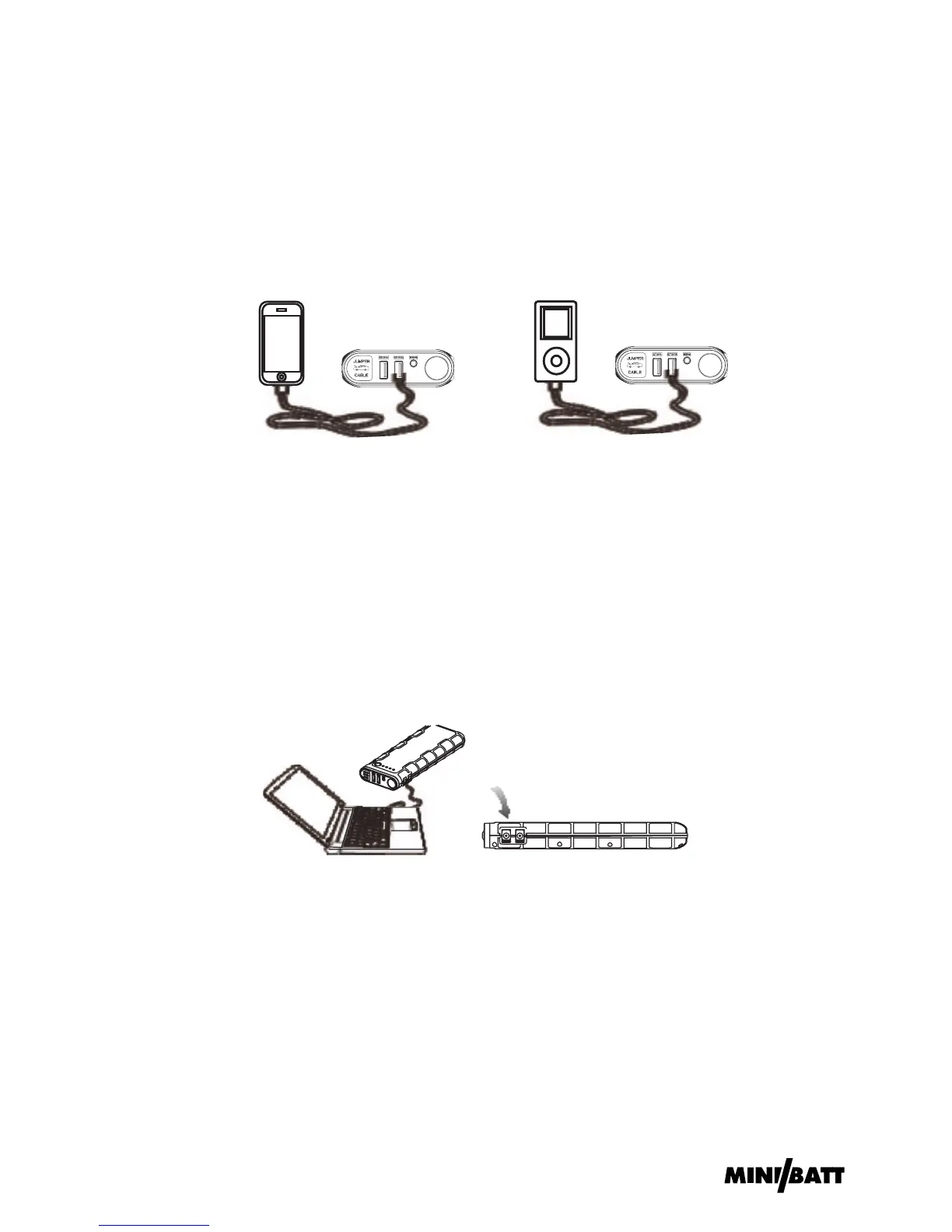
1. Plug the switch cable B to USB 5V 2A output port.
2. Select appropriate connector and connect it to your mobile
phones or tablet.
3. Press the switch button to charge.
4. If doesn’t work, please try another USB Output port.
Charging Cell Phone or Tablet Instruction:
1. Plug the switch cable A to USB 19V 3.5A output port.
2. Select appropriate connector for your Notebook and connect it to
the switch cable A and your Notebook.
3. Press the switch button to charge/power supply.
Only for charging/power supply to 19V
Notebook:
1. Plug the optional switch cable to 12V 10A output port.
2. Connect the optional switch cable and 12V vehicle product or
12V electronics.
3. Press the switch button to power supply.
For power supply to 12V vehicle products or
12V electronics:


 To Next Page
 Loading...