33
forehead (C) measuring buttons at the same time until you hear one
or two "beep" sounds.
5.10. TROUBLESHOOTING
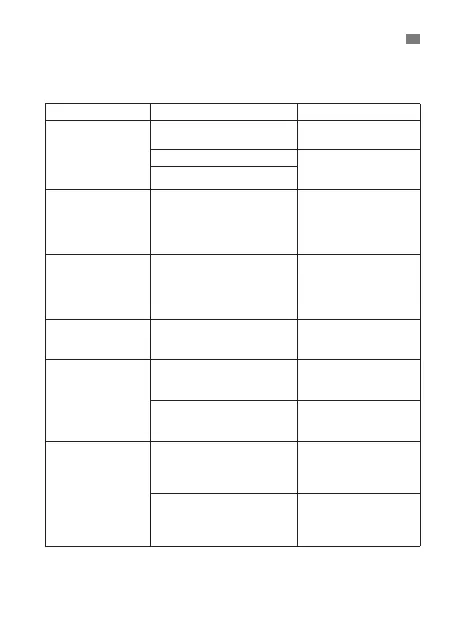
PROBLEMS CHECKLIST SOLUTIONS
No response /
Automatic reset
when pull out
insulator
Batteries used up Change the batteries
for new ones
Batteries in wrong polarity Take out the batteries
and reinsert them
correctly
Poor battery contact
“Lo” on screen The measured
temperature is lower than
32.0°C/89.6°F.
Please check the
operation method
Follow user's
manual for proper
measurement
“Hi” on screen The measured
temperature is higher
than 42.9ºC/109.3ºF.
Please check the
operation method
Follow user's
manual for proper
measurement
“ErrP” or “ErrH”
on screen.
Hardware problem Contact the
manufacturer or
distributor.
“ErrE” on screen. Operating temperature is
out of the range
Use the thermometer
in the range of
operating conditions
The sensor temperature
has not been stabilised
Wait about 10
seconds and take a
measurement again
The measurement
is not accurate or
if there is any
doubt om the
measured result
Please check if the the
infrared sensor (J) is
clean or not
Clean the infrared
sensor (J) with cotton
swab according to
user manual
Please check the
measuring way is
corrector not
Ensure you have
read the manual and
know how to use the
thermometer properly
ENGLISH


 To Next Page
 Loading...