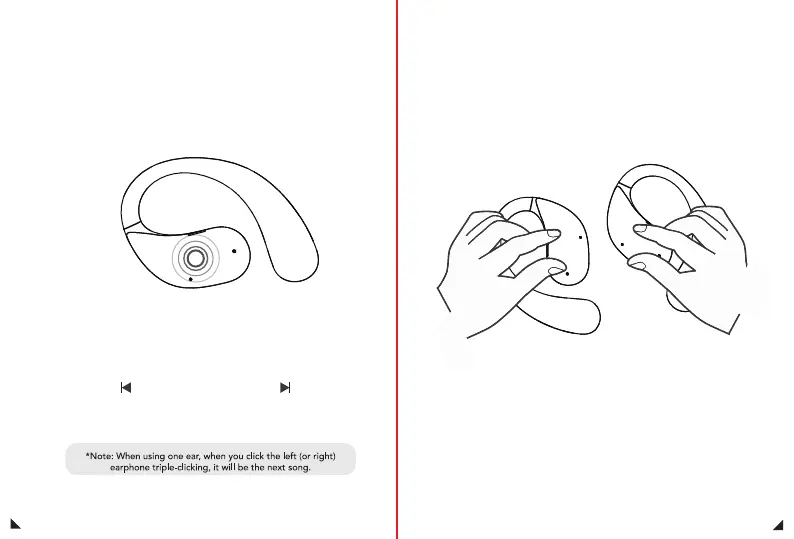
Triple Press
Clear Bluetooth
pairing history
18
19
Music mode
Wireless pairing mode
Triple press on the left ear:
Previous song
Triple press on the right ear:
next song
When the left and right earphones cannot be paired, all connected
devices need to be cleared, and the left and right earphones need
to be clicked continuously 5 times each.
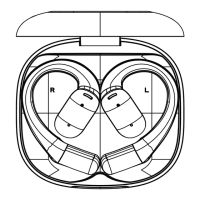
1. When there is no pairing record for the left and right earphones,
the left and right earphones will automatically pair after they are
turned on. After successful pairing, there will be two beeps.
2. When the left and right earphones have pairing records, they will
automatically connect back when they are turned on, and the prompt
will sound “beep”
X3


 To Next Page