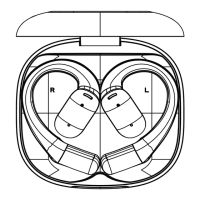
Once Press
14
15
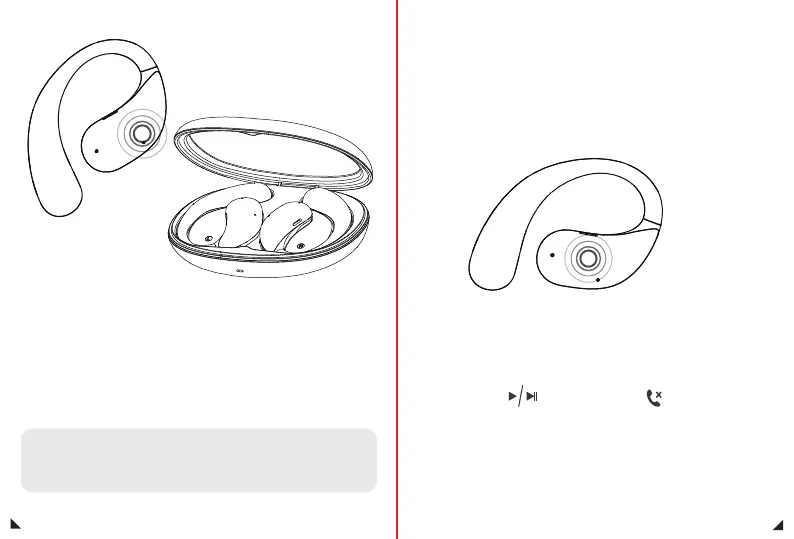
Auto power on: The Earphone are taken out of the charging case,
the Earphone will be powered on, with the prompt sound of "Du".
Manual power-on: Long press for 3 seconds, the Earphone will be
powered on, with the prompt sound of "Du".
Power On
Auto power off: Put the Earphone in the charging case, the Earphone
will be powered off, with the prompt sound of "Du".
Manual power off: Long press for 5 seconds, the Earphone will be
powered off, with the prompt sound of "Du".
Music mode
Play/Pause
Phone mode
Call Answer/End
Note: After powering on, if it is not paired with a Bluetooth device for 3 minutes
it will automatically shut down; lf it is not connected to a Bluetooth device after
3 minutes, it will automatically power off after 3 minutes, with the prompt sound
of "Du".”
Power Off
X1


 To Next Page