1. Windows Driver Installation
Before installing the printer driver, please connect your printer
to the computer and make sure the power switch is turned off.
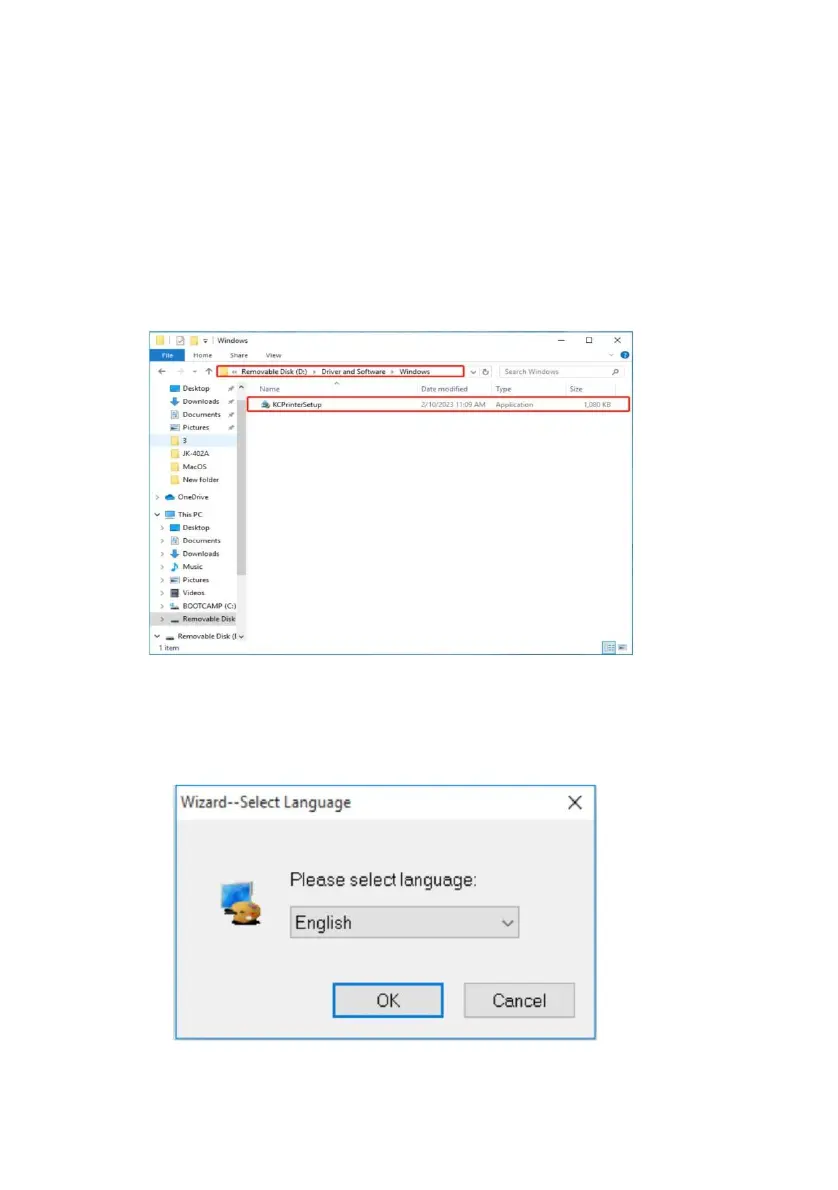
Insert the Drive disc on the computer and find drvier
file"KCPrinterSetup"
Double c file "KCPrinterSetup" ,Then select language.



 To Next Page