18
1. Do not insert/remove the memory card while the camera is
turned ON.
2. Before you start recording, please format the memory card to
avoid malfunction caused by les not created by the dash cam.
Note
Please be aware that formatting the memory card will erase all
existing data. Ensure that you have backed up important les
before proceeding with the formatting process.
Note
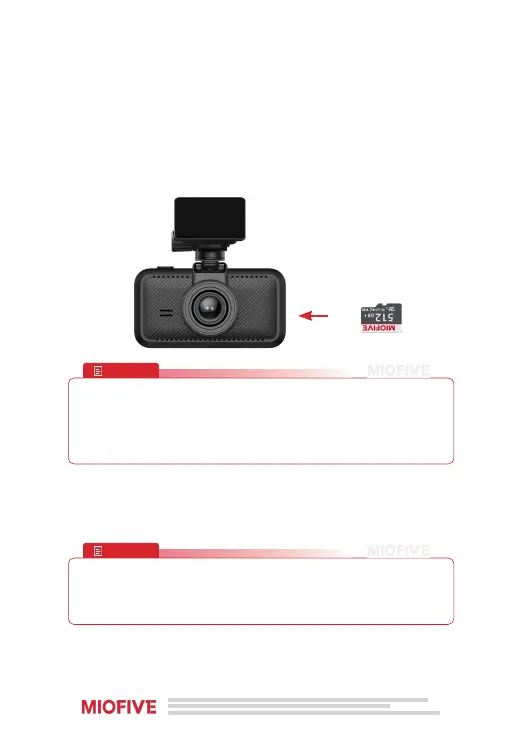
Inserting the Memory Card
· Power o the dashcam.
· Insert the memory card with the label facing up into the card slot
until it clicks.
Removing the Memory Card
· Power o the dashcam.
· Press the card in gently to release it, then pull it out.
Formatting the Memory Card
· Go to System Settings > More settings on the dashcam.
· Select Format Memory Card and follow the on-screen instructions.


 To Next Page