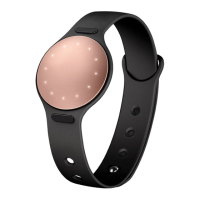
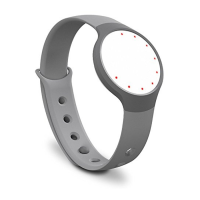
For detailed RAY information and safety instructions visit:
Pour des informations plus détaillées sur RAY et les consignes
de sécurité visitez :
有关
RAY
的详细信息和安全说明请访问:
Für detaillierte Informationen über RAY sowie
Sicherheitsanweisungen zum Gebrauch des Produktes
besuchen Sie bitte die folgende Webseite:
Per informazioni dettagliate su RAY e istruzioni di sicurezza,
visita il sito:
Para obtener información detallada e instrucciones de seguri-
dad del RAY, visite:
RAYの情報および安全のための注意事項の詳細:
Para obter informações e instruções de segurança detalhadas
do RAY, visite:
RAY에 대한 자세한 정보 및 안전 지침에 대해서는 다음을 방
문하세요:
ДЛЯ ПОЛУЧЕНИЯ ПОДРОБНОЙ ИНФОРМАЦИИ О
RAY И ИНСТРУКЦИЙ ПО ТЕХНИКЕ БЕЗОПАСНОСТИ
ПОСЕТИТЕ:
www.misfit.com/go
GET STARTED:
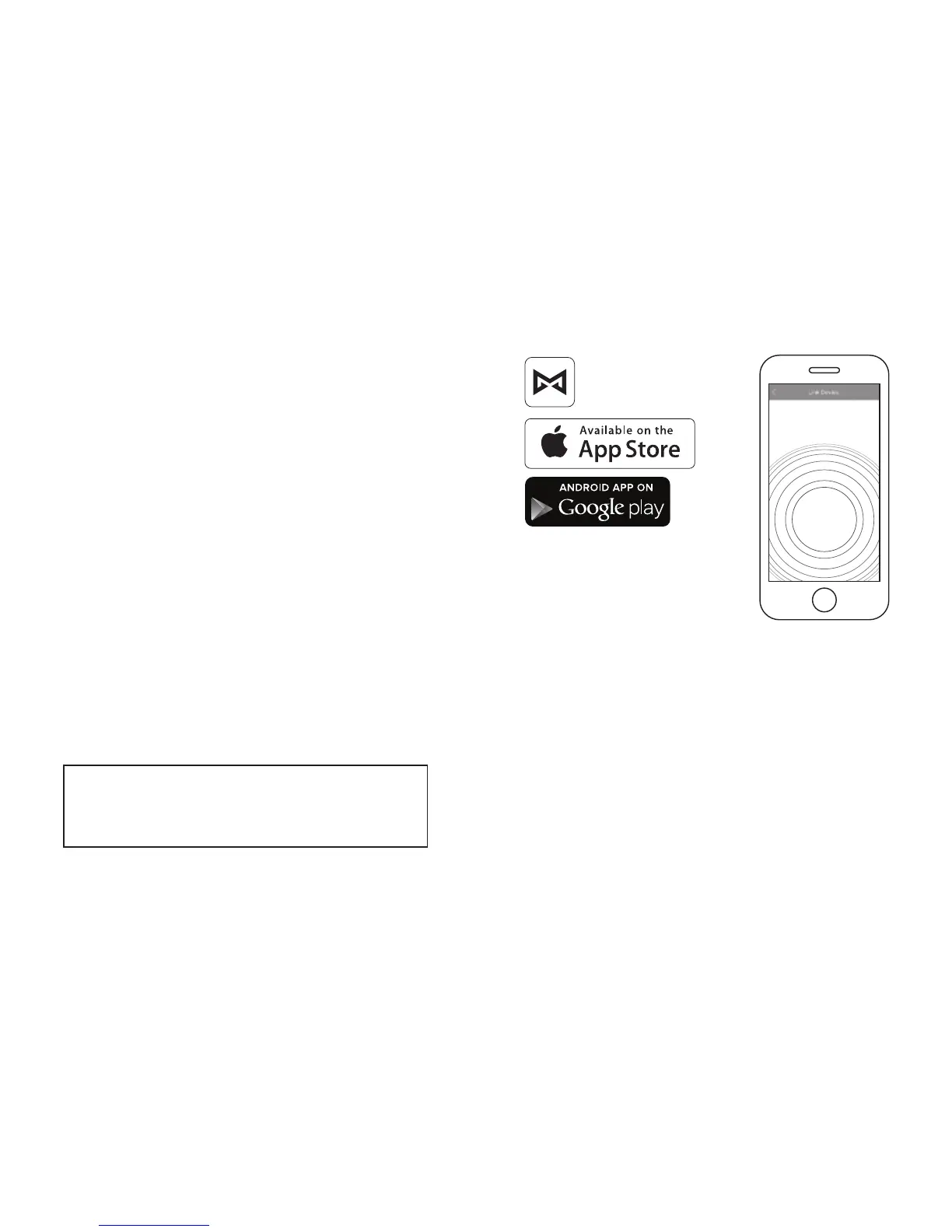
1. Download the Misfit application from the App Store. Visit www.
misfit.com for up-to-date app availability and compatibility
information.
2. Create an account, set a goal and link your RAY by following
the instructions in the app. It may take a couple minutes as RAY
upgrades to the latest firmware.
POUR COMMENCER :
1. Téléchargez l’application Misfit à partir de l’App Store. Visitez
www.misfit.com pour connaître les mises à jour disponibles de
l’application et les informations de compatibilité.
2. Créez un compte, fixez un objectif et connectez votre RAY
en suivant les instructions de l’application. Cela peut prendre
quelques minutes le temps que RAY eectue la mise à jour vers le
micrologiciel le plus récent.
MISFIT



 To Next Page