“Devices” is located at the bottom of the App.
3. Tap the “+” at the top of the Devices screen
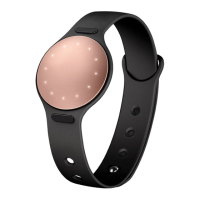
4. Linking your Shine 2 for the first-time
You will be prompted to link Shine 2 for the first-time. In the app, initiate the linking process to allow the device to search
for the Shine 2’s Bluetooth signal. When linking begins, the LED lights on the Shine 2 should light up.
SUBSCRIBE
https://misfit.com


 To Previous Page