
 Need help?
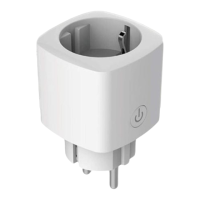
Do you have a question about the Mission Air SMART PLUG and is the answer not in the manual?
Details maximum load, wireless mode, Wi-Fi standard, and EU compliance.
Step-by-step instructions for connecting the smart plug via the TuyaSmart app.
 General
| Type | Smart Plug |
|---|---|
| Category | Home Automation |
| Scheduling | Yes |
| Timer | Yes |
| Energy Monitoring | Yes |
| Connectivity | Wi-Fi |
| Features | Remote Control, Energy Monitoring, Scheduling, Timer |
| Voice Assistant Support | Google Assistant, Amazon Alexa |
| Compatibility | Android, iOS |
| Control | Voice |

 To Next Page