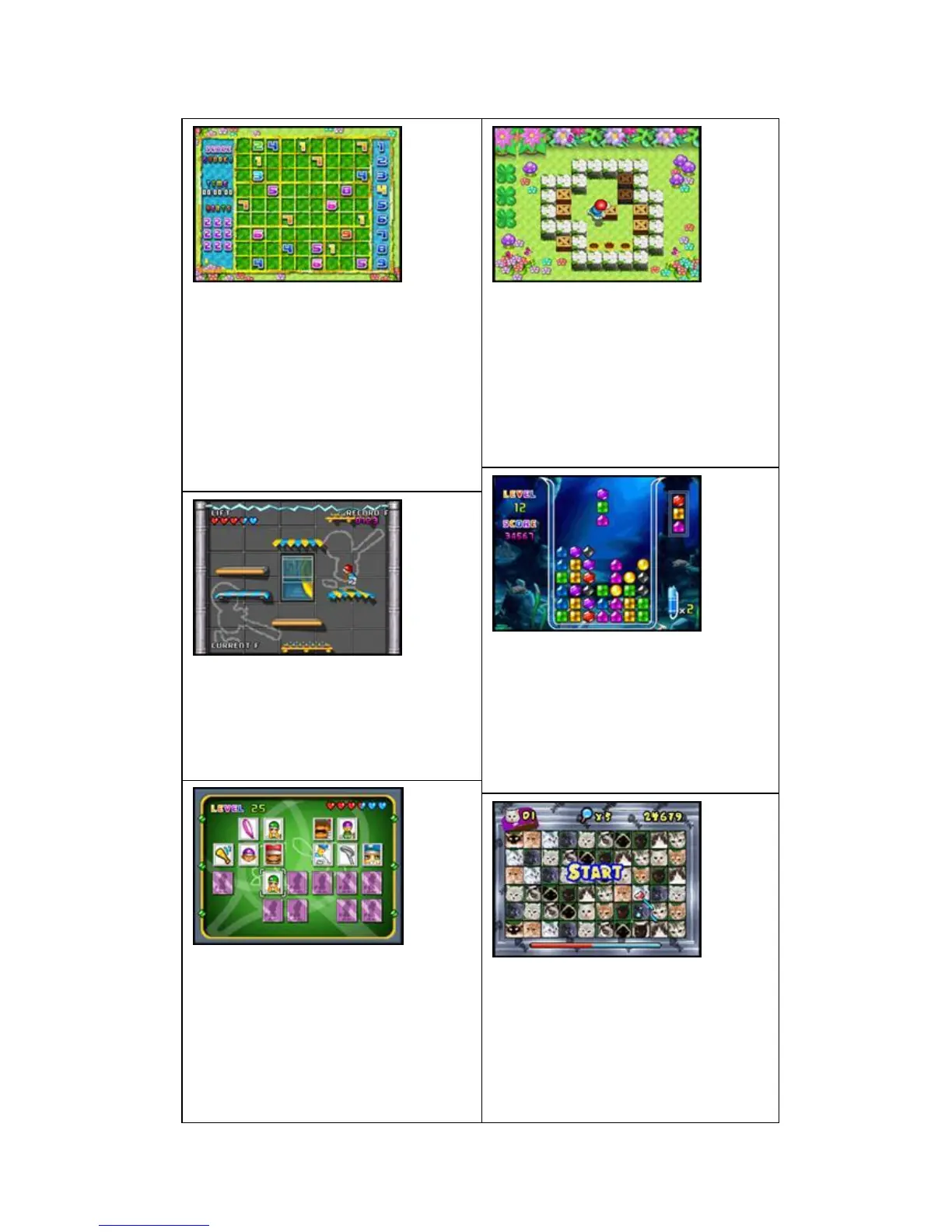
MINIGAME-SHUDUKU:
Arrow keys: move the selection box
A button: Select the district to switch to
digital / confirmation
B button: delete the current figure of
lattice
MENU key: to suspend or withdraw from
the game
RESET button: reset
MINIGAME-MOVE BOX:
Arrow keys: move the protagonist /
mobile box
A key: to return to the previous step
B key: re-play of the customs
MENU key: to suspend or withdraw from
the game
RESET button: reset
MINIGAME-100 FLOOR:
About arrow keys: move the protagonist
MENU key: to suspend or withdraw from
the game
RESET button: reset
MINIGAME-BENTHAL JEWEL:
Arrow keys: Move box
A button: switch box
B key: the use of help functions
MENU key: to suspend or withdraw from
the game
RESET button: reset
MINIGAME-SUPER MEMORY:
Arrow keys: move the selection box
A key: to confirm
MENU key: to suspend or withdraw from
the game
RESET button: reset
MINIGAME-LINKING PET:
Arrow keys: Mobile magic wand
A key: to confirm
B key: the use of computers to help
MENU key: to suspend or withdraw from
the game
RESET button: reset


 To Next Page
 Loading...