EasyManua.ls Logo

MOB MO2206 - Power, Charging, and Controls; Battery and Charging Information; Earbud Power Management; Touch Button Functions

MOB MO2206
18 pages
Print Icon
To Next Page IconTo Next Page
To Previous Page IconTo Previous Page
Loading...
Earbud battery: 3.7V 30mAh
Charger box: 3.7V 200mAh
Playing/ call time: about 3 hrs (70% volume)
Standby time (after pairing): about 80 hrs
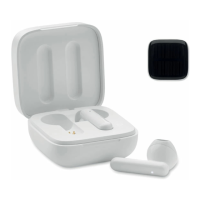
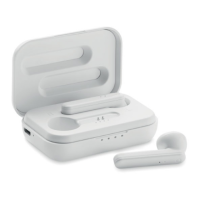
Power Charging:
The orange light flashes when the charger box (with or without
earbuds inside) is being re-charged. The light is green when the
charging box is charging the earbuds without being connected to a
power source. The light turns off when fully charged, Full charging
time is approx. 1.5 hours. Charging speed can vary per device.
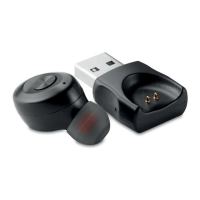
Earbuds:
Power on: Automatically turn on and start to pair when removed
from the charger box. Or long press touch button.
Power off: Automatically turns off when placed back in the charger
box. Or long press touch button.
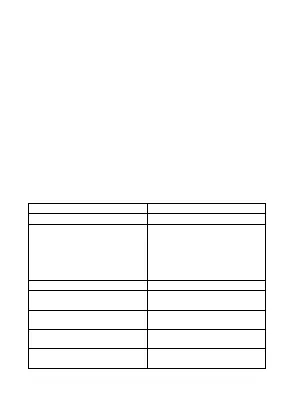
Functions of touch button

Function
Touch button
Answer/ call hang up
Single press
Incoming call rejection
Enter voice assistant (e.g.,
Siri, Google assistant,
Bixby, etc… depending on
your app)
Long press
Play or pause music track
Single click
Back to previous track
Fast double click touch
button on left earbud
Jump to next track
Fast double click touch
button on right earbud
Reduce earbud volume
Fast triple click touch
button on left earbud
Increase earbud volume
Fast triple click touch
button on right earbud

Related product manuals