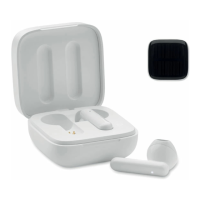
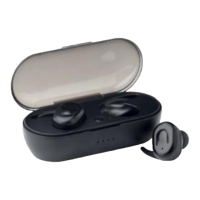
MO6128
EN
Charger box
Click the power button to start/stop charging the earbuds. After
earbuds are full charged, the charger box will be stopped, and
indication light shut off.
White lights flashing from 1
st
to 4th: remaining power
25%,50%,75%,100%.
When charge for the charger box, the 1
st
to 4
th
indication light
flashes in turn, and 4 lights steady on after fully charged.
Charging time: about 2 hours
Earbuds
− Power on: automatically turn on and start to pair when take it out
from charger box.
− Power off: automatically turn off when put it back to charger box.
Or long press power keys for 5 seconds.
− Pairing successful: LED off
− In charging: red light steady on, and it’s off after fully charged
− Charging time: about 1.5 hour
Function of Power button:
Playing/Stop music: When playing music, short press any earbud
button to Pause/Play music.
Answer call: When call is coming, short press any earbud’s button
to answer it.
Hang off call: When on a cell short press earbud’s button to hang
off.
− When earbud connected with phone, long press any button 1.5
seconds to enter Siri or Google assistant.
− When playing music, double click master earbud’s button to play
previous song and double click deputy earbud’s button to play
next song.
− When playing music, triple click master earbud’s button to turn
volume up and triple click deputy earbud’s button to turn volume


 To Next Page