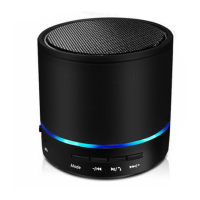
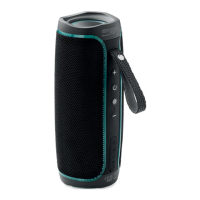
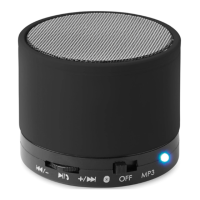
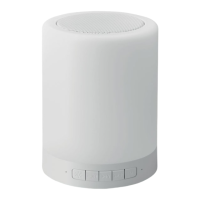
MO9048 Touch light speaker
EN
Product feature:
• Small night light, 3 levels of brightness via touch control.
• Colourful mood light
• Bluetooth version 5.0 + HS, compatible with all audio devices
with Bluetooth function
• Built-in high capacity lithium battery, standard USB 5V/1A
power supply
Instructions for light:
1. Short press the top of speaker for yellow light: three different
light settings to choose from.
2. Long press the top of speaker to change yellow light to red
light then short press to change light colour to Blue, Green,
Purple, Cyan, blue, purple or RGB changing light.
3. RGB changing light: RGB mood light flashing to the beat of the
music.
Operation manual:
1. Turn on:Long press button enter Bluetooth mode,on
your mobile phone or other device, open the Bluetooth, search
the device name “MO9048”. Select for pairing.
2. TF mode: Insert the TF CARD (Micro SD), can automatically
play CARDS all MP3 format music
3. Audio mode: MP3/4 players, mobile phones, computers and
other audio equipment to play music, can also be connected
with the audio cable to the Aux-in port.


 To Next Page