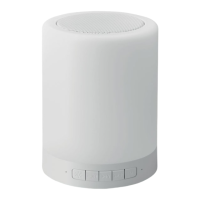
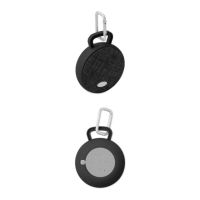
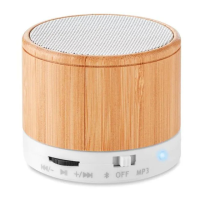
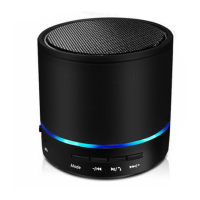
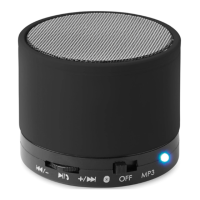
MO9083
EN
Wireless Speaker
Power:
• Please charge your Wireless speaker fully before its first use.
• Operates using an internal rechargeable Lithium battery.
• To charge the battery: using a Micro USB cable (included),
insert the USB power cable into the micro USB port located on
the back of the speaker. Connect the other end of the USB cord
into a powered USB source such as a computer, laptop or USB
AC adapter.
• When your Wireless speaker is charging, the indicator light is
red.
• Once your Wireless speaker is fully charged, the red light will
turn off.
Playing music via Wireless
• Turn your Wireless speaker on by sliding the power switch
located on the back of the speaker to ‘ON’ position.
• The indicator light is blue. This indicates that the speaker is in
pairing mode and is searching for your Wireless device.
• Make sure the Wireless function on your device is turned on.
• Search the speaker named ”MO9083”.
• Once you have selected the speaker, your device will pair
without a password. (If your device prompts for a password,
enter the password ”0000”).
• Once your speaker is paired, the indicator light (blue) will begin
to flash slower.
• Start playing music on your device. Make sure that you keep
your device within a 33 foot range of your Wireless speaker.
• Adjust the volume of your device to a comfortable level.
• Turn off the unit when not in used.
Auxiliary in function
• Power the speaker on, connect the micro USB to auxiliary cable
into the speaker’s micro USB port and plug the other end into


 To Next Page