MO9652
EN
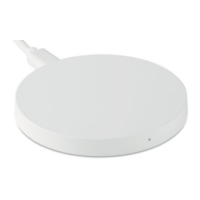
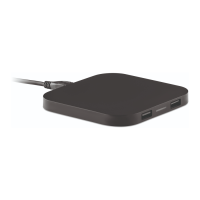
Small wireless Charger
Package Content
• 1x Wireless Charger
• 1x USB Charging Cable
• 1x User Manual
Specifications
• Input: DC 5V/2A
• Wireless Output: DC 5V/1A
• Charging Efficiency: ≤70%
• Charging Distance: ≤6mm
Instructions:
• Connect the wireless charger with the included USB charging
cable to the wall charger and plug the charger into an electronic
socket. The red led will light up.
• Place the smartphone with the display facing up on the centre of
the wireless charger or adjust the placement position until the
charging process starts. The blue led lights up.
When the smartphone is fully charged, remove it from the
wireless charger. When the charging is completed, your
smartphone will indicate that the battery is full.
(check the smartphone’s battery status using the charging icon
displayed on the screen)
• To save energy, unplug the charger when not in use.
General usage tips:
• Do not place any metal objects between the smartphone and the
wireless charger.
• To ensure more effective charging, remove protective cases.
• Charging time depends on battery capacity, phone input
specifications, current phone energy consumption, phone
position on the wireless charger, charging distance, etc.


 To Next Page
 Loading...