13
-
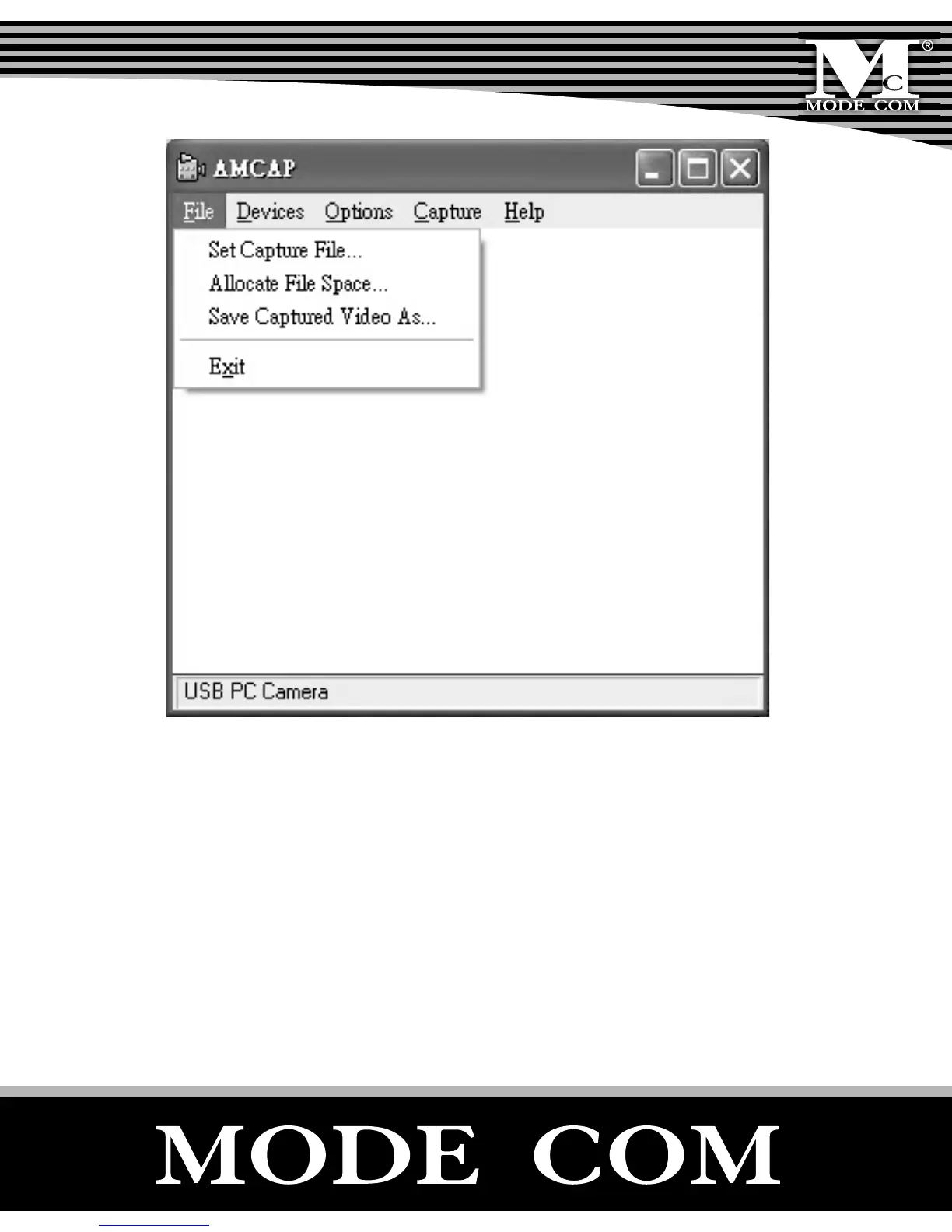
Device: Under the devices menu you choose which of
your video cameras you will be capturing from.
- Options/preview: Let you watch the input video that is
being recorded in the application window.
- Options/Video Capture Filter: Adjust various video set-
ting, such as brightness, contrast, etc.



 To Next Page