17
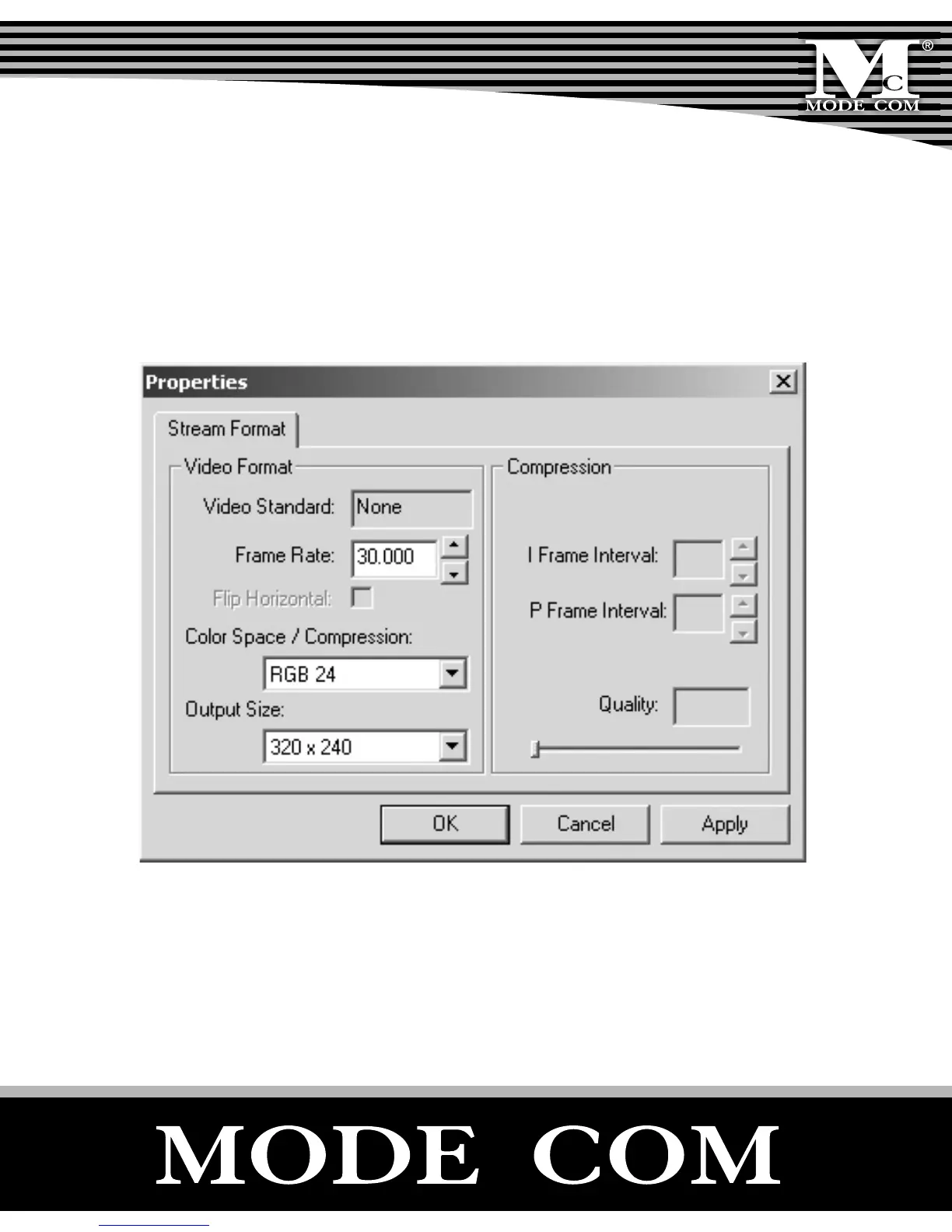
- Options/Video Capture Pin: Choose the video color
space and video size. Supported color spaces are RGB24,
1420. Supported size is 160×120, 176×144, 320×240,
352×288, 640×480 and 800×600.
- Capture/Start Capture: Save the capture le in your
computer and select „START” and then „OK” to start captur-
ing of video sequence or „Cancel” to cancel capturing.



 To Next Page