English
20
Kg
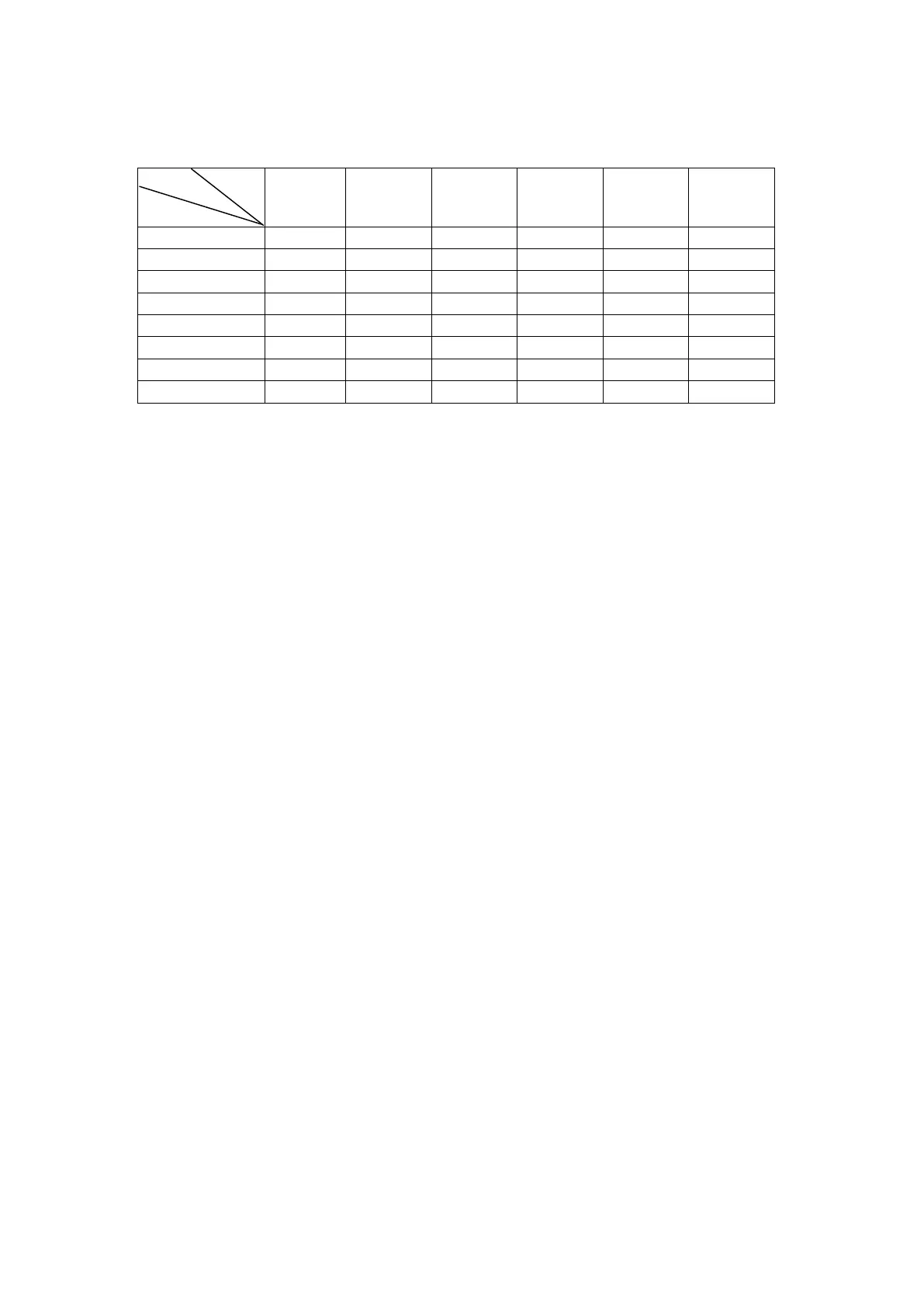
Menu
Rice
(A-1)
Potato
(A-2)
Meat
(A
-3)
Pizza
(A-4)
Fish
(A-5)
Chicken
(A-6)
Weight
Time
1 0.1 0.1 0.2 1 0.1 0.1
2 0.2 0.2 0.3 2 0.2 0.2
3 0.3 0.3 0.4
0.3 0.3
4 0.4 0.4 0.5
0.4 0.4
5 0.5 0.5 0.6
0.5 0.5
6
0.6 0.8
0.6 0.6
7
1.0
0.8 0.8
8
1.0 1.0
5. Clock
The oven has 24-hour digital clock,
To input the time, for example to 4:30pm :
a. Press “Clock/Timer” the display will flash, Rotate the “Time setting” knob to set “16:00”
b. Press “Clock/Timer” again, rotate the “Time setting” knob to set “16:30”
c. Press “Clock/Timer” again, the clock setting is finished, the time start to go on working.
6. Timer
This allows you to set the microwave oven start and finish cooking at pre-set time.
The clock must be set before you use this feature.
Example: The current time is 16:30 and you want to start cooking at 18:15 on 70% power for 10
minutes:
a. Press “Clock/Timer” and set time to 18:15 (same procedure as setting clock).
b. Press “Micro/Grill/Combi/Conve” to set 70% power.
c. Input cooking time 10 minutes by rotating the knob “the setting”.
d. Press “Start/Reset”.
If you do not set the power and cooking time and directly press the “Start/Reset” button, the
microwave will work only as a clock. There will be 10 beeps at 18:15 , but no other function will run.
7. Child-safety-lock
To activate the child safety lock, press “auto Menu” and ‘Clock/Timer” button at the same time for 2
seconds.
Press ‘auto Menu” and “Clock/Timer” button, at the same time for 2 seconds again, it will unlock this
function.
8. Start/Reset
a. In the course of operation, press “Start/Reset” button will stop operation.
b. If any program was set before pressing start, press this button will cancel all the set program.


 To Next Page