2.3. Electric System & Connection
The Modmo Saigon electrical hardware including the battery, controller and sensors, wireless module are integrated inside the frame.
This will help prevent a negative impact from outside elements such as rain and cold temperatures.
The hardware doesn’t require any specific maintenance. However, you may need to update your bike firmware to keep your bike
functioning smoothly.
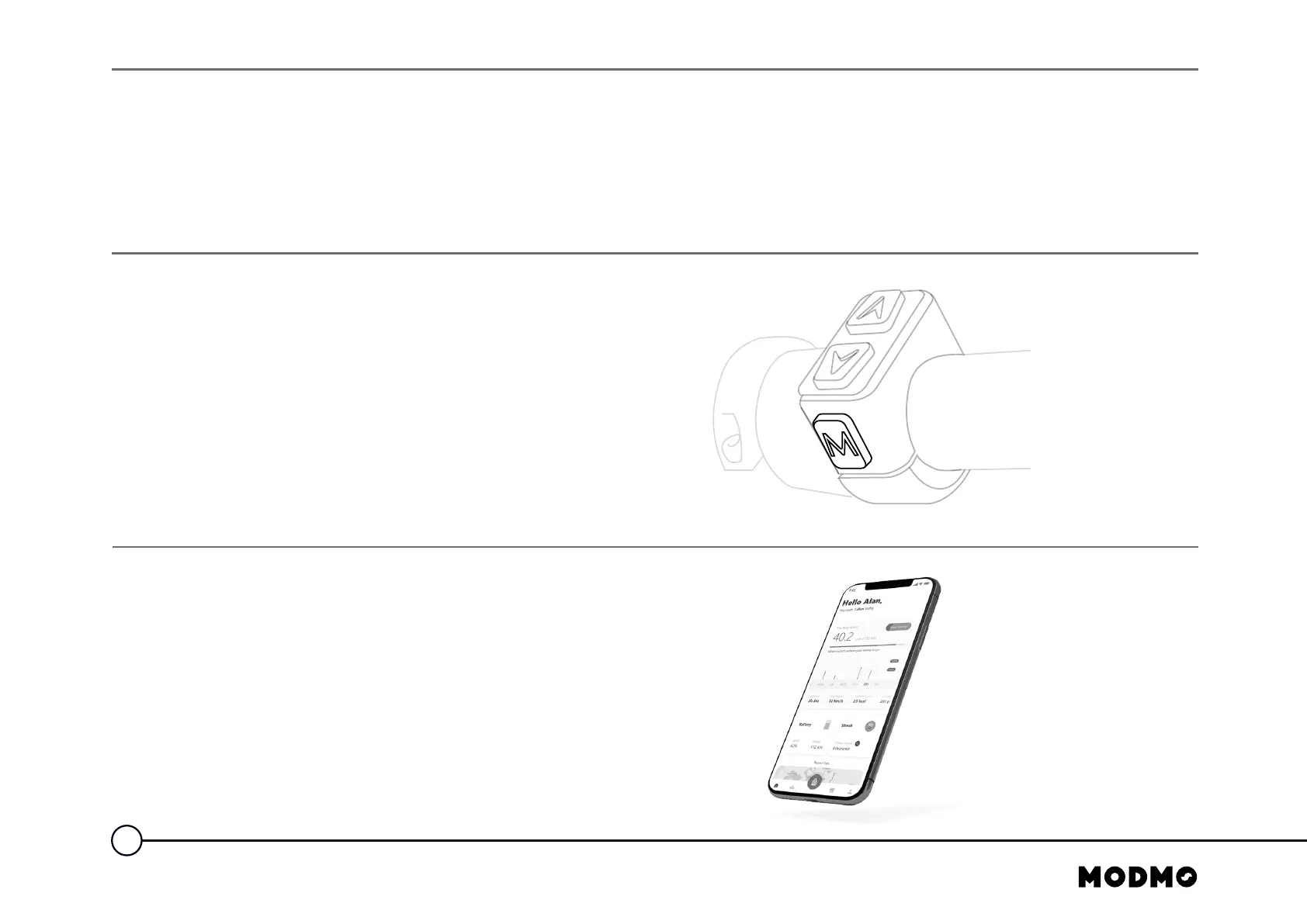
2.4. Software Reboot
A software reboot will help reset your bike and resolve any
problems connected to the hardware, and any other related
problems between the bike and mobile app
To reset your bike:
• Hold down the “M” button for 2 seconds. This will reset
and turn off your bike
• Turn on the bike again from the “M” button for 2 seconds
2.5. The Modmo App
You can download the Modmo app via Google Play Store
(Android) and App Store (IOS). Firmware update is done via
the Modmo App. If your Modmo bike is connected to the app,
you will get a notification in your app about the new
available firmware.
12
SAFETY INSTRUCTION AND PRODUCT INFORMATION



 To Next Page