Power On
Press and hold the Power button for 2 seconds until it says “Power On”
and the indicator ashes blue for 1 second then off.
Power Off
Press and hold the Power button for 2 seconds until it says “Power Off”
and the indicator ashes red for 1 second then off.
Volume Up/Down
Click Vol+/Vol-. A Tone will sound when the volume reaches the maximum
or minimum.
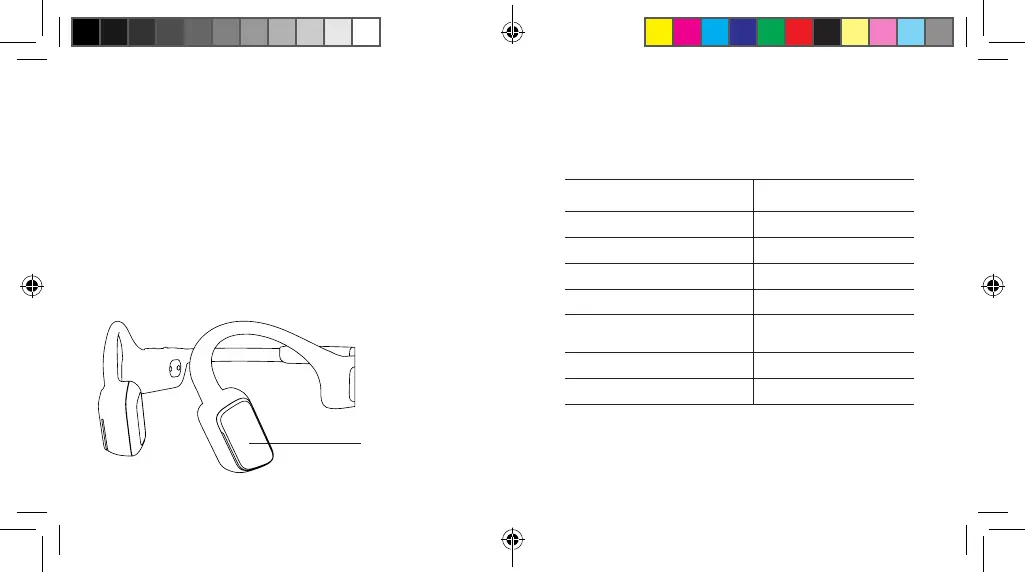
Multi-function Button
Multi-function Button
5
Function Action
Play/Pause music Click 1x
Skip to the next track Click 2x
Back to the previous track Click 3x
Answer a call Click 1x
Decline an incoming call Press and hold the button for 2
seconds
Cancel an outgoing call
Click 1x
Hang up a call
Click 1x
6
USER GUIDE .indd 5-6USER GUIDE .indd 5-6 2021/9/1 4:322021/9/1 4:32



 To Next Page