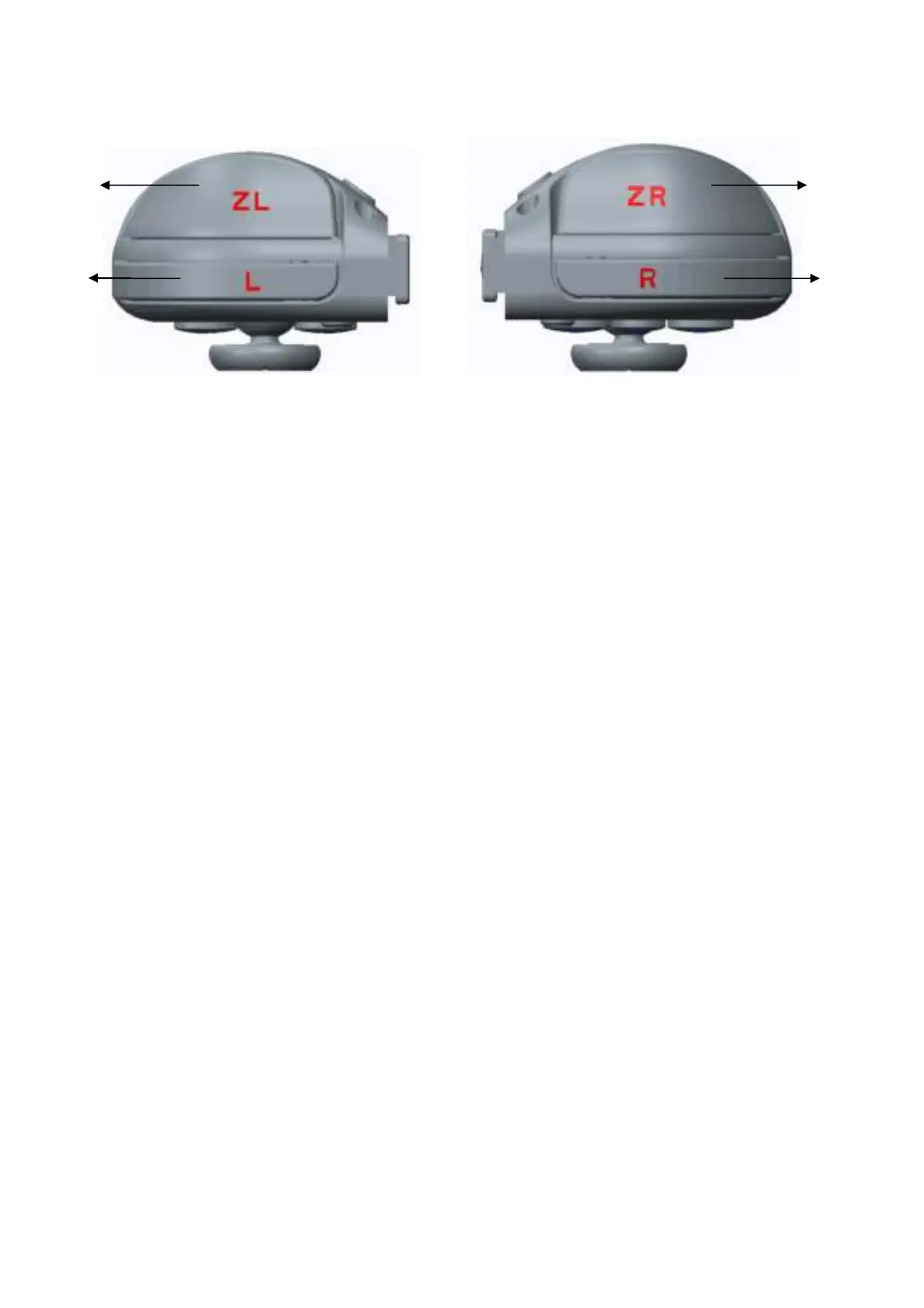
Front side of left controller
Front side of right controller
一.Operation
1. Switch console settings
Turn on the Switch console, pressing the setting on the menu, click successively system settings
→Airplane mode → Controller Connection to turn on the Bluetooth function.
2. Connecting the Switch console by Bluetooth
a. Turn on the controller by pressing any of the UP/DOWN/LEFT/RIGHT of the left controller and
A/B/X/Y of the right controller, the 4 led will flash circularly.
b. Press second for Mode button of the left controller or right controller, the led will be keeping
flash and enter into the Bluetooth pairing mode.
c. Turn on the home screen of the console , click the controllers on the menu, then click the
change grip/order, the console will be searching and pairing the controllers automatically. Press A
button after connecting the controller, click the close to enter the menu, the you can play the
game.
3. Automatic continuous connection
If the controller have been connected with the console and the console’s Bluetooth is on, the
controller will be connecting the console automatically when turn of the controller.



 To Next Page
 Loading...