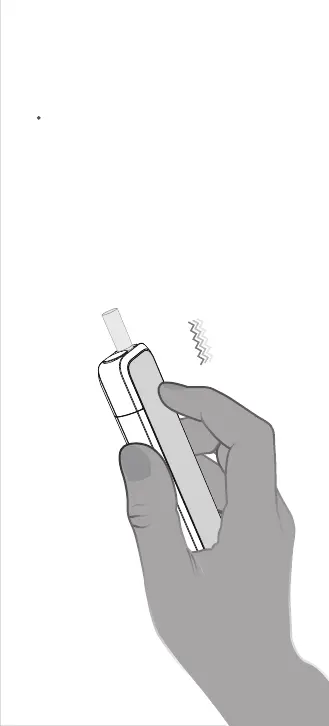
05. Double click to check the
status of your session
During heating, quickly and firmly double click
the body of the device as shown, and the
device will vibrate 1/2/3 times to indicate the
remaining session time as follows:
- Feedback 3 x vibrations, remaining
>200 seconds.
- Feedback 2 x vibrations, remaining
100-200 seconds.
- Feedback 1 x vibration, remaining
<100 seconds.
Click 2 x



 To Next Page