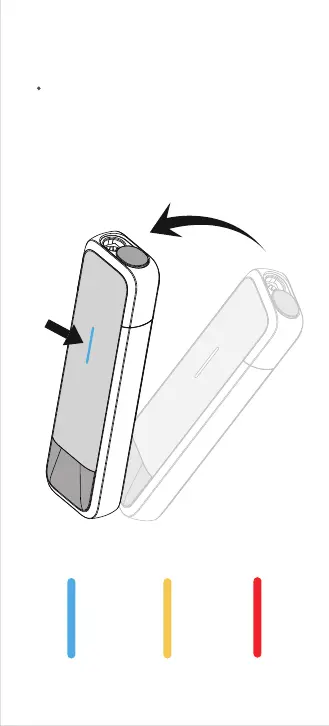
07. View the battery level
Remaining battery level indication
20%-50%>50%
<20%
To check the remaining battery level, click the
button or pick up the device (during
non-heating or non-active status). The LED
light turns on and the LED color indicates the
current battery level.



 To Next Page