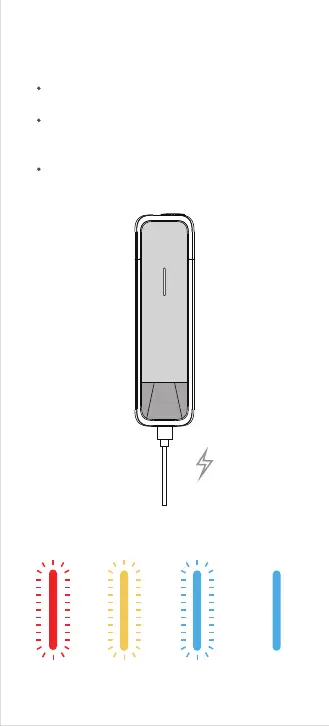
09. Charging
Battery Charge Status
20%-50% 50%-99%
<20%
100%
Connect the charging cable to the USB-C port
at the bottom of the device.
Check the charging level as the LED pulses
and LED color indications change to show the
current charging level.
Once fully charged, the LED will turn off.
Remove the charging cable once the device is
fully charged.



 To Next Page