2-EN
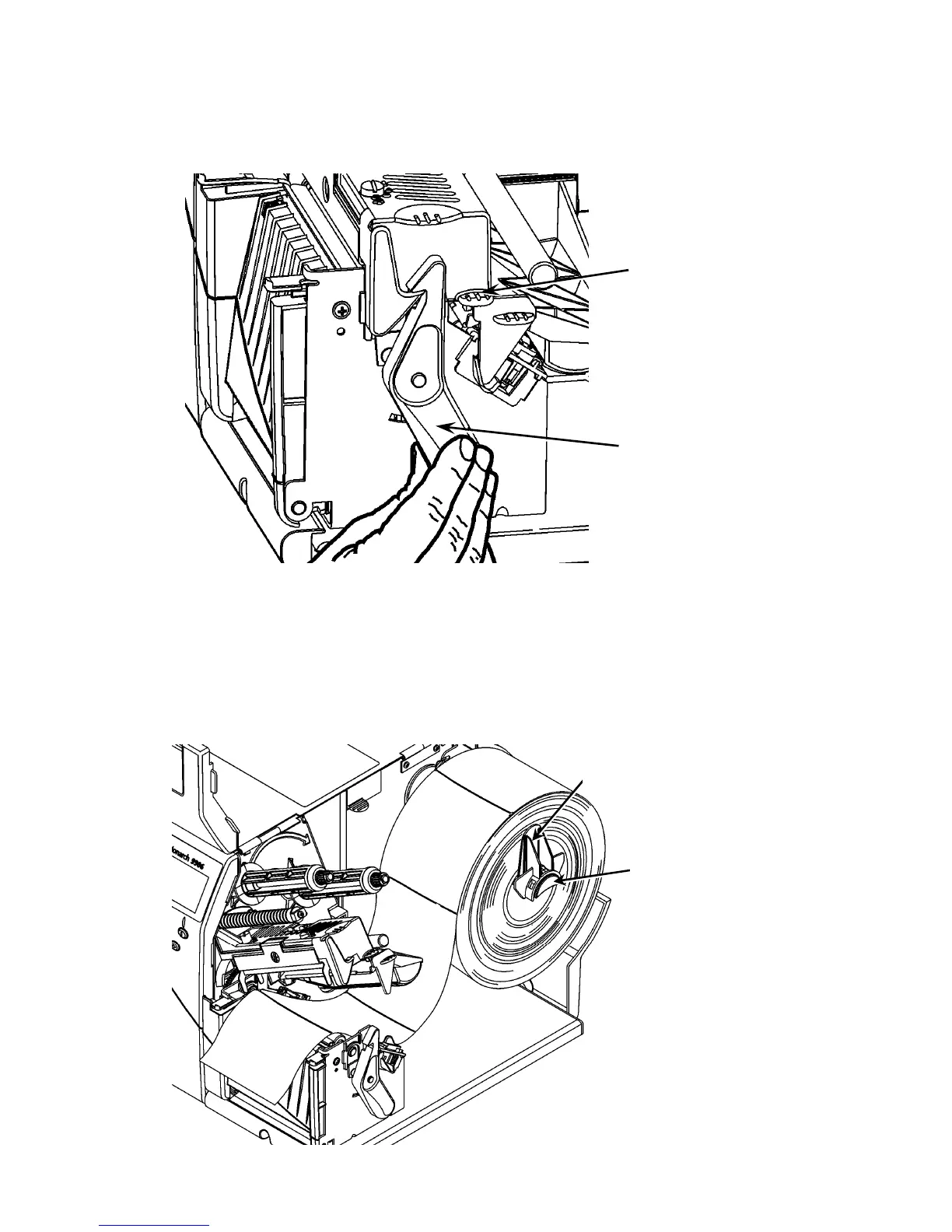
Printhead Tab
Retaining Latch
Loading Labels or Tags
1. Open the cover.
2. Unlock the printhead by turning the retaining latch.
3. Lift the printhead assembly using the printhead tab until the
assembly locks into place.
4. Place the roll of supply on the supply holder, located against
the inside of the printer.
5. Adjust the supply holder guide so that it barely touches the
roll, making sure the supply roll turns freely.
Supply Holder Guide
Supply Holder



 To Next Page