NOTE
If the adjustment is made between 9.30 p.m. and
midnight, please set the next day’s date. In that case,
no automatic change will occur at midnight.
Normal position: Position 1
Setting the date: Position 2
Pull the crown out to position 2, turn and set the desired
date. Push the crown back to initial position 1.
Note:
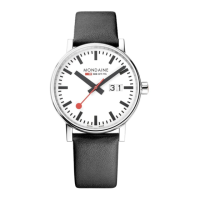
The date display consists of two independent disks.
On the first day of the new month, the date must,
therefore, be reset from 31 to 01 via 39.
Setting the time: Position 3
Pull the crown out to position 3. Set the desired time.
Reset the crown to position 1.
BIG DATE
ENGLISH


 To Next Page