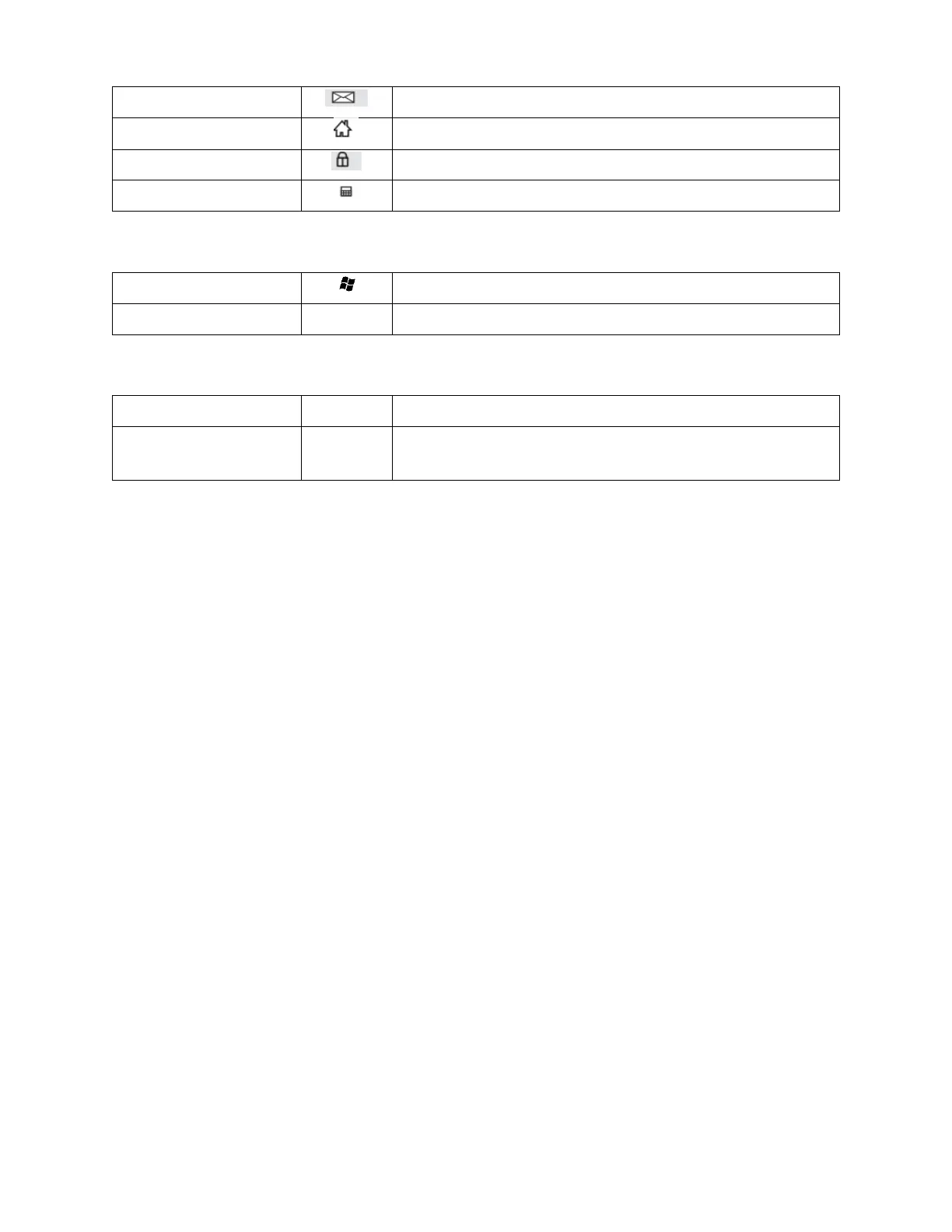
Application Hot Keys
Gaming Function Keys
Disable/Enable Windows Key
Swap WASD and Arrow Key Functions
Macro Keys
Start/Stop Macro Recording
Fn+Macro Key
(Y, U, I, O, or P)
See Macro Recording Section for Details
Macro Recording
1. Press Fn+Ins to enter macro recording mode. The four system LEDs will begin blinking.
2. Select a macro to record by pressing Fn+Macro Key (Y, U, I, O, or P). The LEDs will stop blinking and remain lit
while recording.
3. Type the keys to record. The macro can contain up to 31 characters.
4. Press Fn+Ins to stop recording.
5. Use the macro by pressing Fn+Macro Key (Y, U, I, O, or P).
Features
Double injection keycaps with laser printing and white backlighting
Compatible with Windows® 2000, XP, Vista®, Win7, Win8, Win10
Outemu Brown switches with more than 50 million keystroke switch life
Full anti-ghosting keys
5.9 foot (1.8 meter) long USB cable
Dimensions: 17.4" x 5.6" x 1.5" (442 x 141 x 37 mm)
Weight: 41.9 oz. ±0.9 oz. (1188g ±25g)
Microsoft®, Windows®, and Vista® are either registered trademarks or trademarks of Microsoft Corporation in the United
States and/or other countries.


 To Previous Page
 Loading...