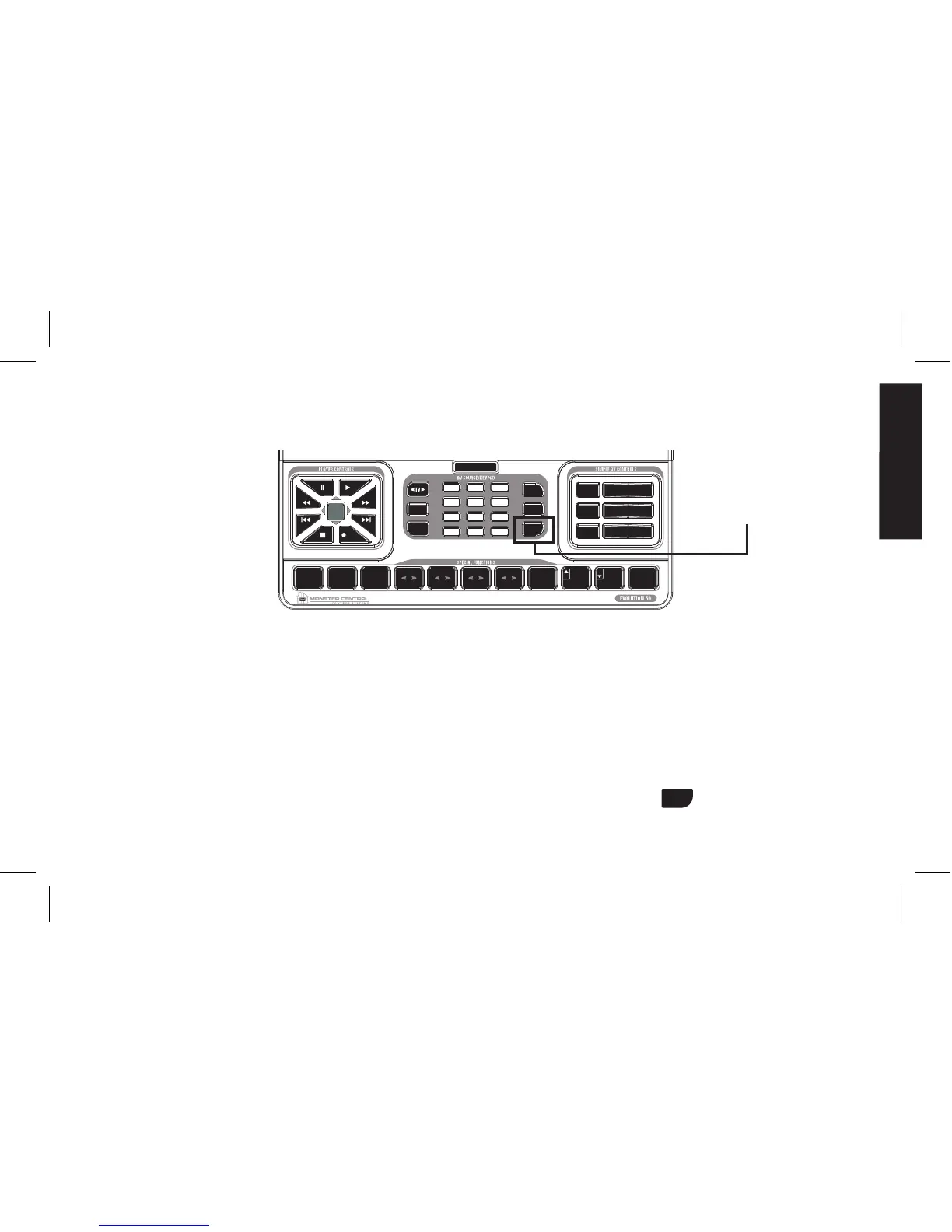
HOW TO ASSIGN AN ADDITIONAL COMPONENT TO THE AUXILIARY BUTTON
AuxiliarymodecomesinhandywhenyouhaveasecondTV,DVD,DVR,STB(Satellite/CableBox)or
AVR,andwouldliketocontrolitwhilecontinuingtocontrolyourprimaryTVfromTVmode.AsecondTV
mightbeoneyoukeepinyourkitchenorguestroom.
Forthisexample,assumeyoursecondaryTV’scodenumberis“210.”Fortheremainderofthissection,
allreferencestoTVpertaintoyoursecondaryTV.
TurnonyourTV.1.
OnyourEVOLUTION50/55SimpleAdvancedRemoteControl,pressandholdthe2.
buttonfor3seconds.
Thebuttonwilllightup,blinkonce,andstaylit.ThisindicatestheEVOLUTION50/55isinsetupmode.


 To Next Page