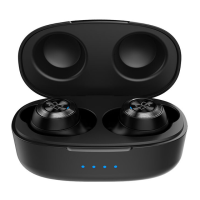
3. LED Indicator
4. Charging Contacts
5. Eartip
6. Charging Case - Charging Pin
7. Charging Case - Battery level LED Indicator
Power On/Off
The earphones will automatically turn on after removing from the charging case.
To turn off the earphones, put back to the charging case. Earphone’s light indicator is on and
starts charging, the earphones will automatically turn off. When the LED indicator is off, it is
fully charged.
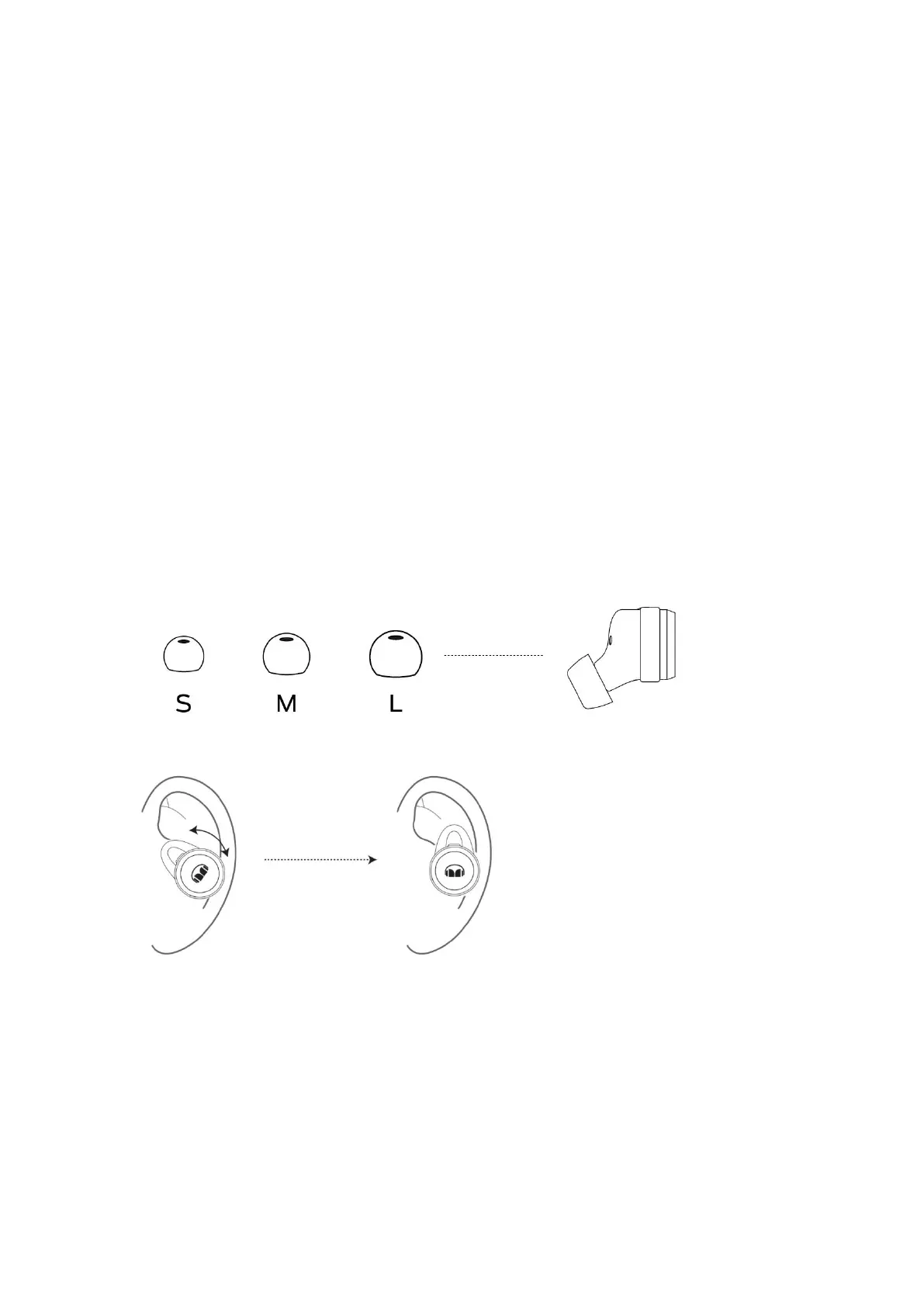
Experiment with the different sizes of ear tip to find your perfect fit.
Twist the earphone until it fits securely and comfortably.
Pairing
Remove earphones from the charging case, the earphones will turn on automatically. Left and
right earphones will be connected automatically. Wait for a few seconds, “pairing” voice prompt
will be heard.
For new device connection, go to the Bluetooth settings on your mobile device and set it to
search for new devices (new Monster device). Once the earphone is paired, you will hear
“connected”.







 To Next Page