32
© 2007 Skier’s Choice, Inc.
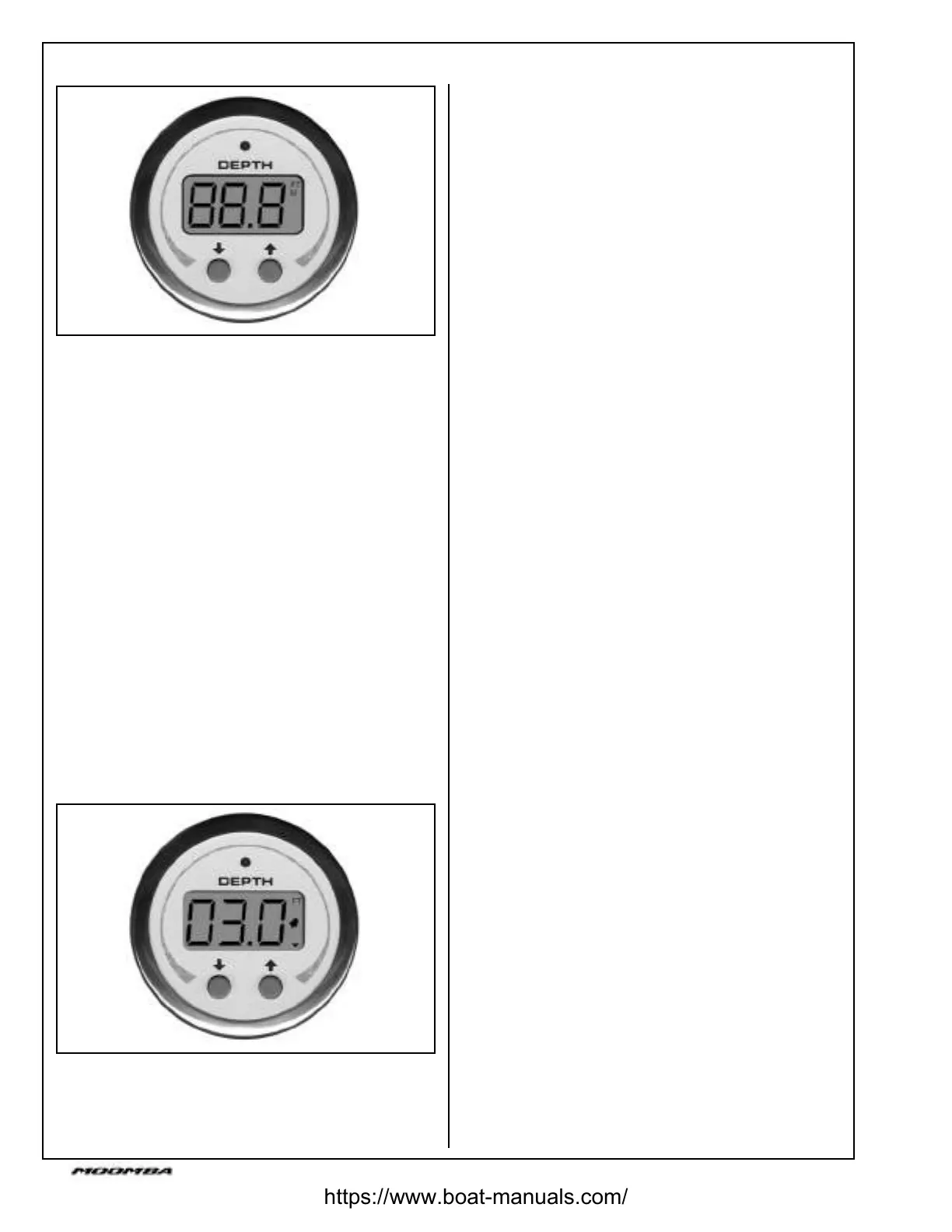
Depth Sounder
Setting Units
The depth sounder can display depth in either standard or
metric units.
3HUIRUPWKHIROORZLQJVWHSVWRFKDQJHWKHGLVSOD\XQLWV
1.Simultaneously press the up and down buttons.
(LWKHUWKH)7RU0XQLWVLQGLFDWRUGLVSOD\WH[WZLOOÀDVK
7+(1
2.To set feet units, press the up button.
7KH)7LQGLFDWRUGLVSOD\WH[WZLOOÀDVKIRU¿YH
seconds and return to normal mode display with feet
as the current units.
OR...
3.To set Meter units, press the down button.
7KH0LQGLFDWRUGLVSOD\WH[WZLOOÀDVKIRU¿YHVHFRQGV
and return to normal mode display with Meters as the
current units.
127(:KHQSRZHULVDSSOLHGRUUHPRYHGDQGUHDSSOLHG
the units display defaults to feet units.
Setting Deep Alarm
The deep alarm function can be set for depths ranging from
IHHW0HWHUWRIHHW0HWHUV$QDODUPWULJJHUV
when the water depth is greater than the set value.
Setting Deep Alarm (continued)
7RVHWWKH'HHS$ODUPSHUIRUPWKHIROORZLQJ
1.Press the down button. The current deep alarm depth
setting will display.
2.Press the up or down button to increase or decrease
respectively the deep alarm depth value.
Pressing either button once will change the depth value
LQIRRWRU0HWHULQFUHPHQWV+ROGLQJHLWKHUEXWWRQ
ZLOOFKDQJHWKHGHSWKYDOXHLQIRRWRU0HWHU
increments per second.
3.After setting the depth value, the alarm and down
DUURZLFRQVZLOOEOLQNIRU¿YHVHFRQGV7KHQWKHGLVSOD\
will return to normal operating mode with the alarm and
down arrow icons displayed.
When triggered, an audible alarm sounds for ten seconds
ZKLOHÀDVKLQJWKHZDUQLQJ/('DODUPDQGGRZQLFRQVRQ
the display. After ten seconds, the audible alarm mutes but
WKH/('DQGGLVSOD\LFRQVFRQWLQXHWRÀDVK
127( :KHQ SRZHU LV UHPRYHG IURP WKH LQVWUXPHQW DOO
GHSWKVHWWLQJVDUHUHWXUQHGWR³´
Setting Shallow Alarm
The shallow alarm function can be set for depths ranging
IURPIHHW0HWHUWRIHHW0HWHUV$QDODUP
triggers when the water depth is less than the set value.
7RVHWWKHVKDOORZDODUPSHUIRUPWKHIROORZLQJ
1.Press the up button. The current shallow alarm depth
setting will display.
2.Press the up or down button to increase or decrease
respectively the shallow alarm depth value.
Pressing either button once will change the depth value
LQIRRWRU0HWHULQFUHPHQWV+ROGLQJHLWKHUEXWWRQ
ZLOOFKDQJHWKHGHSWKYDOXHLQIRRWRU0HWHU
increments per second.
3.After setting the depth value, the alarm and up
DUURZLFRQVZLOOEOLQNIRU¿YHVHFRQGV7KHQWKHGLVSOD\
will return to normal operating mode with the alarm and
up arrow icons displayed.
When triggered, an audible alarm sounds for ten seconds
ZKLOHÀDVKLQJWKHZDUQLQJ/('DODUPDQGXSLFRQVRQWKH
display. After ten seconds, the audible alarm mutes, but the
/('DQGGLVSOD\LFRQVFRQWLQXHWRÀDVK
127( :KHQ SRZHU LV UHPRYHG IURP WKH LQVWUXPHQW DOO
GHSWKVHWWLQJVDUHUHWXUQHGWR³´
https://www.boat-manuals.com/



 To Next Page