
 Need help?
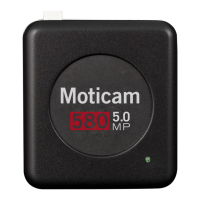
Do you have a question about the Motic Moticam 580 and is the answer not in the manual?
Adapter to connect camera to microscope eyepiece.
Cable for connecting camera to computer.
Software for image analysis and control.
Power adapter for the Moticam camera.
Instructions for connecting Moticam to microscope eyepiece.
Guide for using Moticam for macro photography.
Steps to connect Moticam to a trinocular microscope.
 General
| Sensor Type | CMOS |
|---|---|
| Resolution | 5.0MP |
| Sensor Size | 1/2.5" |
| Interface | USB 2.0 |
| Output Format | JPEG, BMP |
| Exposure Control | Automatic, Manual |
| White Balance | Automatic, Manual |
| Compatibility | Windows |
| Weight | 150g |
| Pixel Size | 2.2µm x 2.2µm |
| Frame Rate | 30 fps |

 To Next Page