headline bars
tabs
continuation tabs
notes
warnings
headline bars
tabs
continuation tabs
notes
warnings
headline bars
tabs
continuation tabs
notes
warnings
9
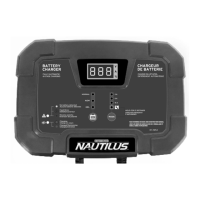
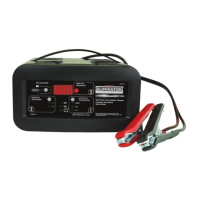
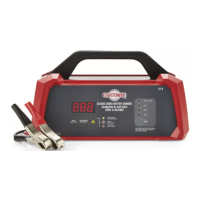
KNOW YOUR CHARGER
START/STOP BUTTON
Press to immediately begin charging your properly
connected battery. If the button is not pressed,
charging should begin automatically in 30 seconds.
RATE SELECTION BUTTON
Use this button to select one of the following:
• 6 A Charge – For charging small and large
batteries. Not recommended for industrial
applications.
• 40 A<>15 A Boost Charge – For quickly
adding energy to a severely discharged or
large capacity battery prior to Engine Start,
or for fast charging of larger batteries.
• 200 A Engine Start – Provides additional
amps for cranking an engine with a weak or
run-down battery. Always use in combination
with a battery.
LED INDICATORS
• Charging (yellow) LED lit:
The charger is charging the battery.
• Charged/Maintaining (green) LED lit:
The battery is fully charged and the charger is
in maintain mode.
• Red LED solid: The connections are
reversed.
• Red LED blinking: The charger has detected
a problem with the battery.
See the Troubleshooting section for more
information.
headline bars
tabs
continuation tabs
notes
warnings
NOTE:
Charger will NOT begin charging if the solid Red LED is on, indicating the battery clamps are reversed.
See the Operation section for a complete description of the charger modes.


 To Next Page
 Loading...