Page 27
ADVANCED INFORMATION
2
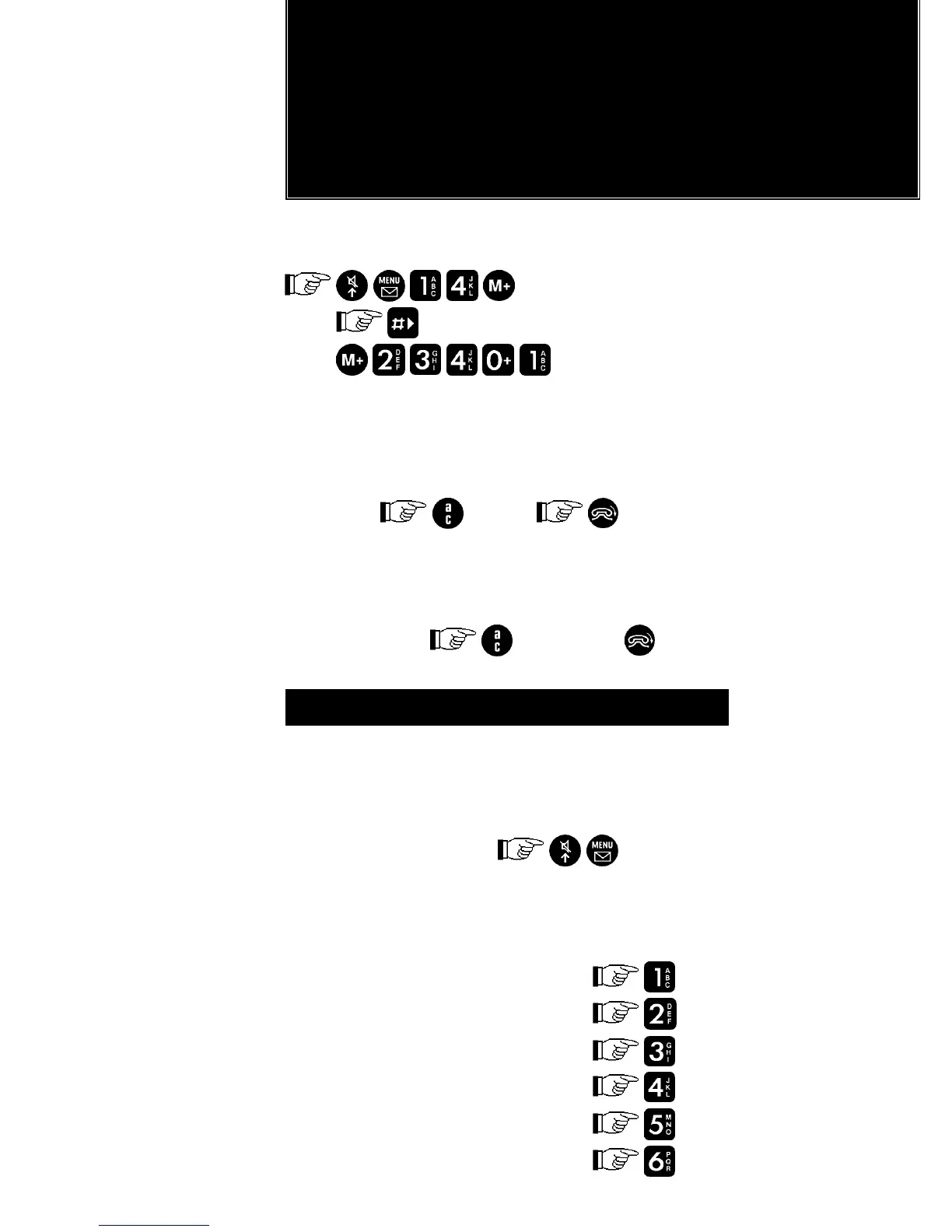
Example:
Network Operator Code = 234-01
to scroll to position
To clear the displayed network operator:
Check that it is the network operator you want
to clear.
If OK,
(If not )
The display then shows:
‘Clear?’
Confirm by
(otherwise )
MENU OPERATION
MENU OPERATION
Menu operation allows you to select and
cancel features by following the prompts in
the display.
To enter menu mode:
The features are grouped under menu
headings.
Menu headings: Entered by:
General Features
Interface Features
Call Monitor Features
Call Restriction Features
Secure Features
Other Features


 To Next Page
 Loading...