Motorola Confidential Proprietary
A920/A925Manual Test Procdures
3 - 18
Preliminary
LEDS and Keypad Backlight
Use the following procedures to verify status LED and
keypad backlight.
In order to successfully send test commands to the phone
under test, the phone doesn’t need to be in suspend
mode. Follow the listed procedure to configure the
phone to accept test commands.
Handset Test Commands
None
Radio Comm Test Commands
Click AT+MODE then SUSPEND
(Serial Only)
Click PST Initialize and click SUS-
PEND when initialization is complete
(USB Only)
Status LEDS
Handset Test Commands
62*3*3*012¹ Enable Red LED
62*4*3*012¹ Enable Green LED
RadioComm Test Commands
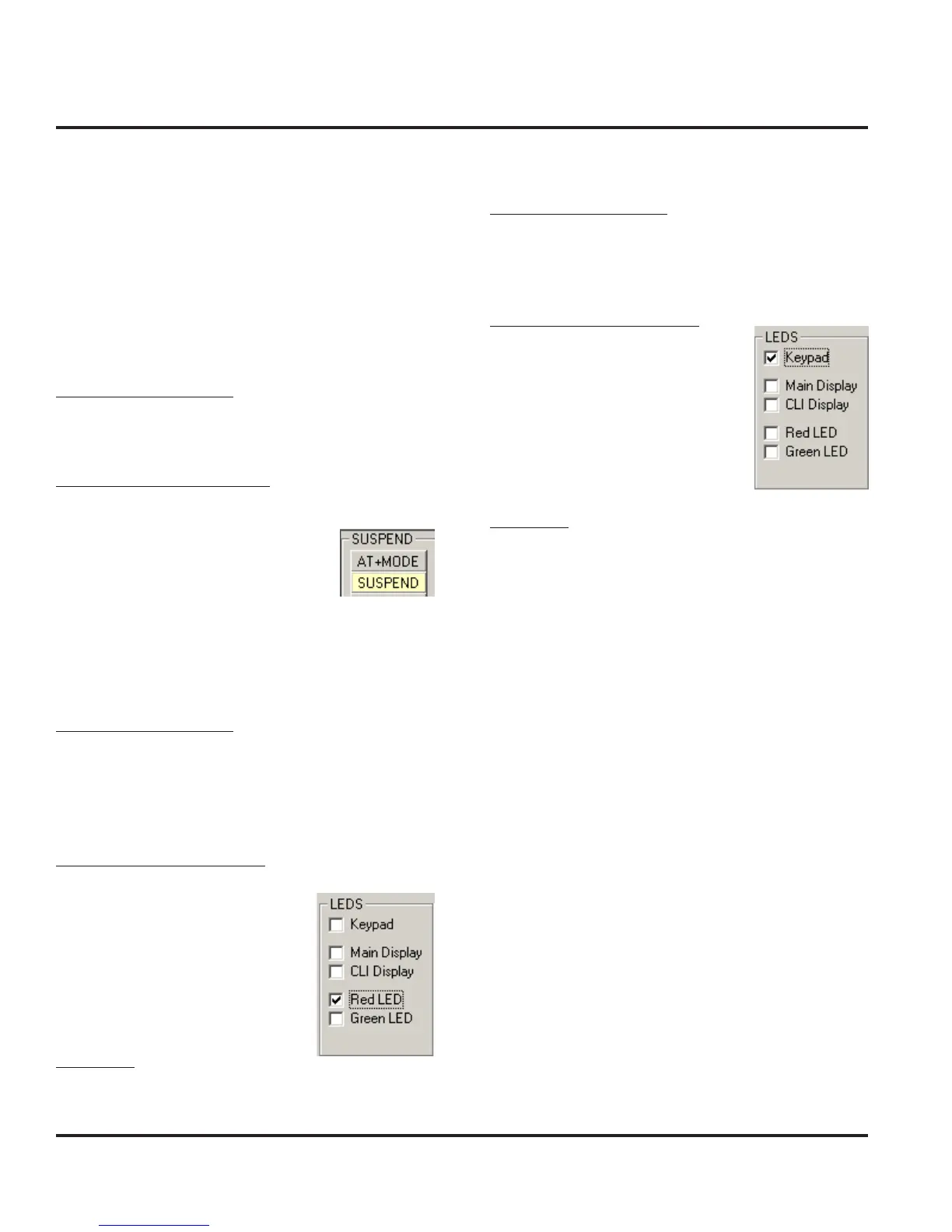
Select Red LED or Green LED to
enable. Deselect Red LED or
Green LED to disable.
Verification
Verify that the Red and Green status LEDS activate.
¹Leave field 3 blank and press OK
Keypad Backlight
Handset Test Commands
62*0*1¹ Enable Keypad Backlight
62*0*0¹ Disable Keypad Backlight
RadioComm Test Commands
Select Keypad to enable. Deselect
Keypad to disable.
Verification
Verify that all keypad backlight LEDs activate.
¹000 to disable



 To Next Page
 Loading...





