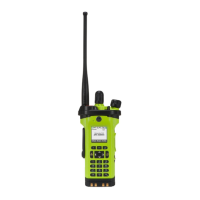
APX
TM
6000XE
15
Index
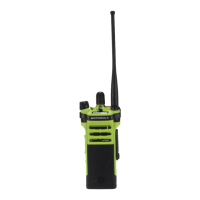
With the radio turned off, slide the battery into the radio’s
frame until side latches click into place.
To remove the battery, turn the radio off. Squeeze the
release latches on the bottom of the battery until the
battery releases from the radio. Remove the battery from
the radio.
Preparing Your Radio for Use
Attaching/Removing the Battery
Battery


 To Next Page
 Loading...