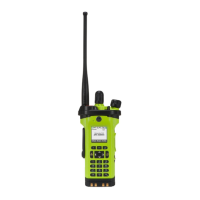
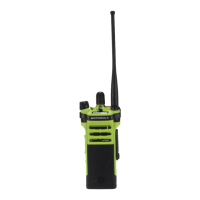
APX
TM
6000XE
23
Continues on next page
Index
The 112 x 32 pixel top monochrome display screen of
your radio shows the radio status and operating
conditions.
Battery
The number of bars (0 – 4) shown indicates
the charge remaining in the battery. Blinks
when the battery is low.
Received Signal Strength Indicator
(RSSI)
The number of bars displayed represents
the received signal strength for the current
site, for trunking only. The more stripes in
the icon, the stronger the signal.
Direct
• On = Radio is currently configured for
direct radio-to-radio communication (during
conventional operation only).
• Off = Radio is connected with other radios
through a repeater.
Identifying Status Indicators
Status Icons
Power Level
• L = Radio is set at Low power.
• H = Radio is set at High power.
Scan
Radio is scanning a scan list.
Priority Channel Scan
• Blinking dot = Radio detects activity on
channel designated as Priority-One.
• Steady dot = Radio detects activity on
channel designated as Priority-Two.


 To Next Page
 Loading...