10
OPTIMIZING YOUR CABLE TERMINAL FOR HDTV
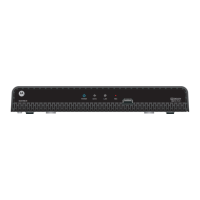
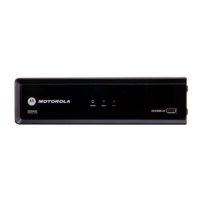
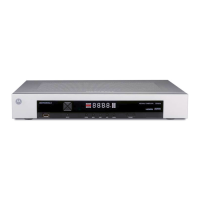
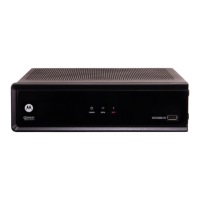
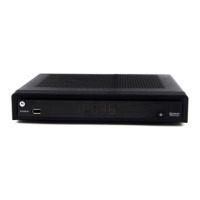
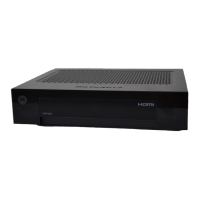
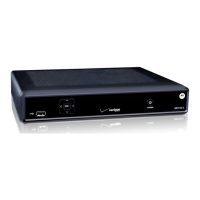
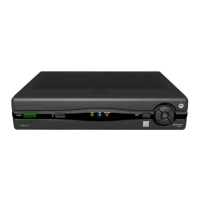
The DCT3412 outputs HD video through its Y Pb Pr (component), HDMI,
or IEEE 1394 connectors. This section describes how to optimize
standard and HD video based on your system’s HDTV capabilities and
personal preferences.
If you use the IEEE 1394 output, no adjustments to the settings are required.
For a TV with an HDMI connection, be sure the TV is on and connected
to the
HDMI OUT connector before adjusting the settings. Motorola
recommends using HDMI cables less than 65 feet long for optimal
performance.
You can configure the TV type, HDMI, and/or Y Pb Pr video output, and
closed captioning.
For the best standard and HD viewing:
1 Power off the DCT3412, and then immediately press the MENU key
on the front panel. If the TV is on, the on-screen menu lists the
settings you can configure:
USER SETTINGS
> TV TYPE 16:9
HDMI/YpbPr OUTPUT 1080I
4:3 OVERRIDE 480I
ADDITIONAL HDMI SETTINGS>>>
CLOSED CAPTION DISABLED
SERVICE SELECTION
DIGITAL PRIMARY LANGUAGE
FONT SIZE AUTO
FONT COLOR AUTO
FONT OPACITY AUTO
FONT EDGE TYPE AUTO
FONT EDGE COLOR AUTO
BACKGROUND COLOR AUTO
BACKGROUND OPACITY AUTO
SETTINGS AUTO
RESTORE ALL DEFAULTS


 To Next Page
 Loading...