Configuring the User Settings B
High-Definition DVR DCX3510-M • Installation Manual 34
365-095-17066-x.1
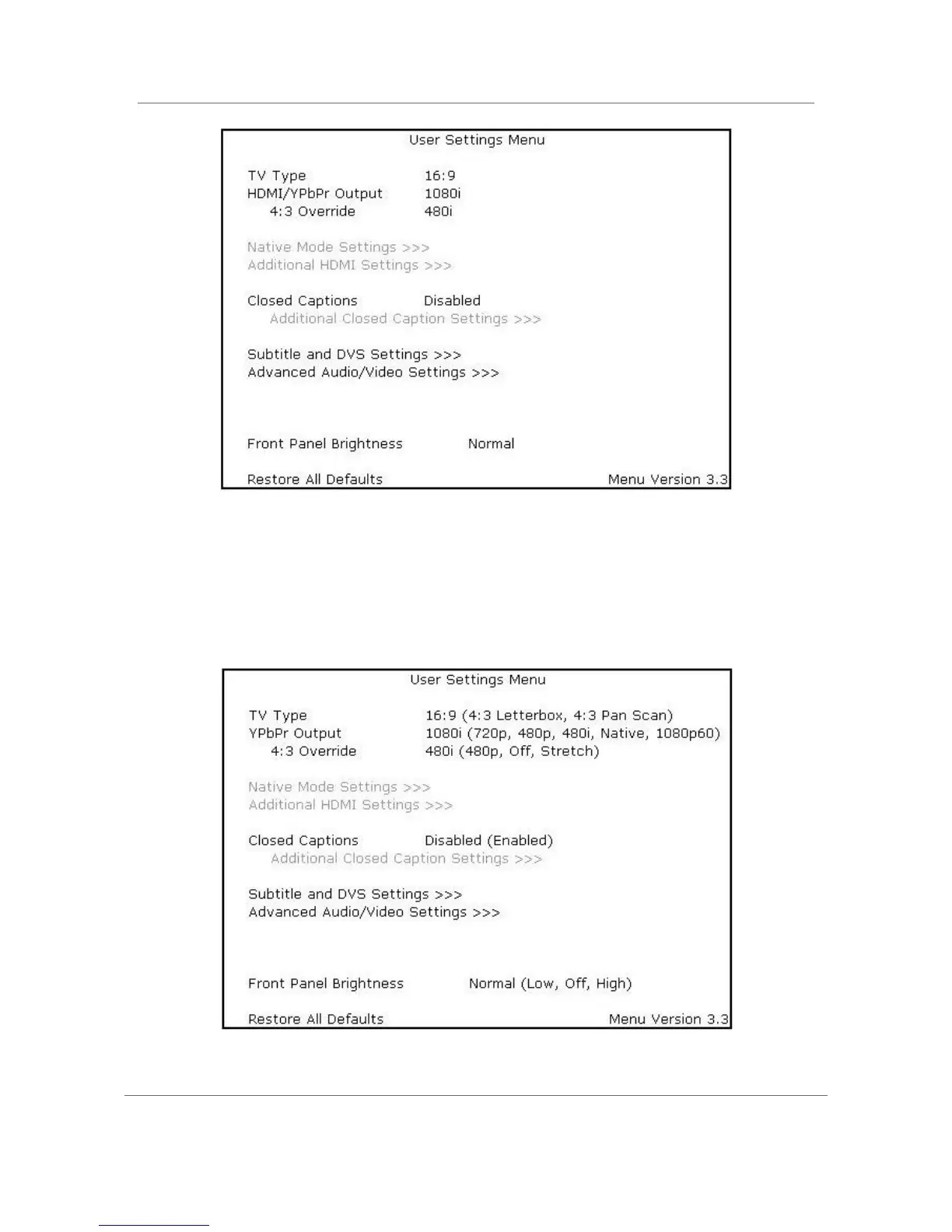
Figure 13: Default User Settings Menu —With HDMI Connection
Use the remote control cursor keys to navigate the on-screen menus as follows:
• Press the ▲ and ▼ keys to highlight the setting you wish to change.
• Press the ► key to select an option.
• To exit the setting and move to another setting, press the ▲ or ▼ key.
Figure 14: User Settings Menu – Main Menu Screen



 To Next Page
 Loading...





