Diagnostics B
High-Definition DVR DCX3510-M • Installation Manual 75
365-095-17066-x.1
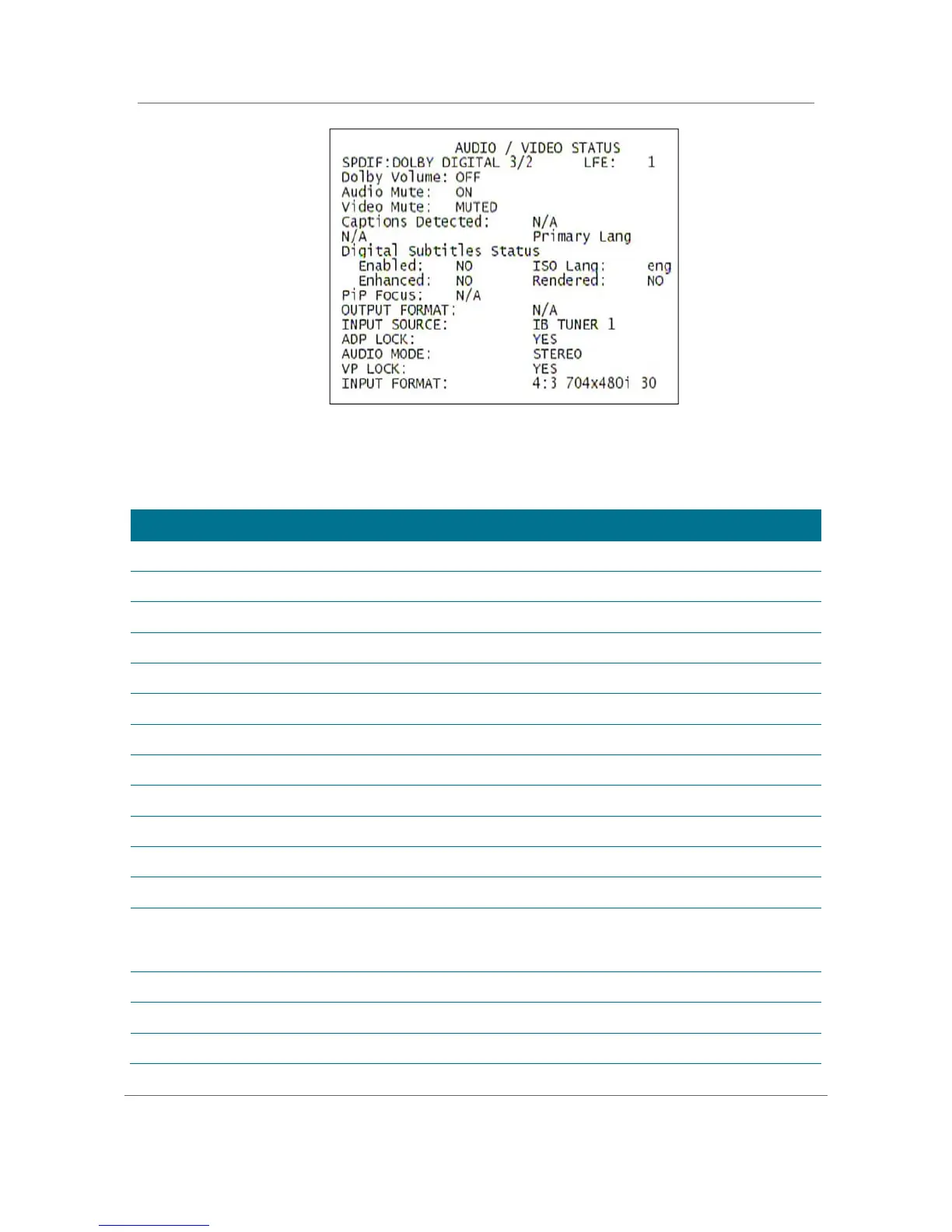
Figure 39: Audio/Video Status Diagnostic Screen
Table 20: Audio/Video Status Diagnostic Field Descriptions
S/PDIF Output
Indicates S/PDIF Mode as set by application software.
OSD Display Description
N/A Audio S/PDIF mode is not applicable.
IEC958PCM PCM audio selected.
Dolby Digital Dolby Digital uses the following speaker selections:
1/0 Right front or left front
2/0 Right front and left front
Right front and left front and center
2/1 Right front and left front and (right rear or left rear)
3/1 Right front and left front and center and (right rear or left rear)
2/2 Right front and left front and right rear and left rear
3/2 Right front and left front and center and right rear and left rear
LFE: Low
Frequency Effect
The LFE indicates if the nomenclature low frequency effects are available in the Dolby
Digital audio stream, as indicated if the “0.1” is present in the Dolby Digital 5.1
nomenclature (for example, “Dolby Digital 5.1 surround”). Valid values include:
OSD Display Description
0 LFE is not available
LFE is available (i.e. “Dolby Digital 5.1 surround”).



 To Next Page
 Loading...





