B
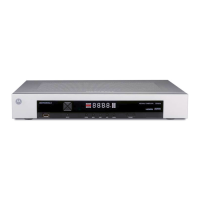
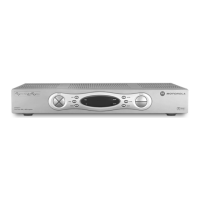
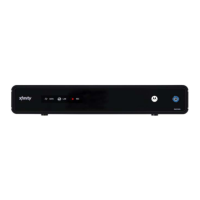
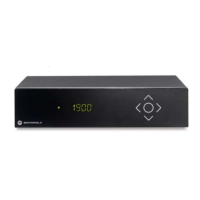
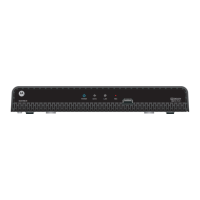
DCX700 High-Definition Digital Set-Top Box • User Guide
vi
365-095-14284 x.1
Contents
Safety & Regulatory Information.................................................................................................. i
Software License .......................................................................................................................... iv
Introduction.................................................................................................................................... 1
Front Panel....................................................................................................................................... 2
Rear Panel........................................................................................................................................ 3
Operation........................................................................................................................................ 4
Turning Power On and Off .............................................................................................................. 4
Changing Channels.......................................................................................................................... 4
Adjusting the Volume ...................................................................................................................... 4
Interactive Program Guide............................................................................................................... 4
M-Card™.......................................................................................................................................... 4
Connecting Your Set-Top ............................................................................................................. 5
Video Connection Options............................................................................................................... 5
HDMI or IEEE-1394 — HDTV and SDTV................................................................................... 5
Component video (YPbPr) — HDTV and SDTV......................................................................... 6
Composite Video (also referred to as Video) — SDTV.............................................................. 6
Connecting HDTV — Single Connection for Video/Audio................................................................ 6
Cable In ..................................................................................................................................... 6
HDMI......................................................................................................................................... 6
IEEE-1394 (M/Card/US models only) ........................................................................................ 6
Connecting Your DCX Set-top to an HDTV — Video....................................................................... 7
Connecting HDTV — Separate Video/Audio Connections............................................................... 8
Cable In ..................................................................................................................................... 8
DVI............................................................................................................................................. 8
Component Video (YPbPr) ........................................................................................................ 8
Audio ......................................................................................................................................... 8
Connecting Your DCX Set-top to an HDTV — Audio....................................................................... 9
Connecting an HDTV and an A/V Receiver.................................................................................... 10
Connecting Your DCX Set-top to an A/V Receiver — Video.......................................................... 11
Connecting Your DCX Set-top to an A/V Receiver — Audio ......................................................... 12
Connecting an SDTV...................................................................................................................... 13
Connecting Your DCX Set-top to an SDTV .................................................................................... 13
Connecting an SDTV and VCR/DVD Recorder............................................................................... 14
Connecting Your DCX Set-top to an SDTV and VCR/DVD Recorder............................................. 14
Connecting an A/V Receiver, SDTV, and VCR/DVD Recorder....................................................... 15


 To Next Page
 Loading...