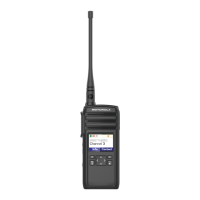
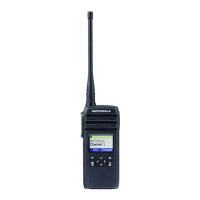
FW R01.01.02 provides enhancement listed below:
1. Fixed Renoir freeze screen issue.
Note: When the issue happens, the radio's screen freezes but the radio is
still able to transmit call, receive call and can power down radio via on/off
button.
2. “Enable Profile ID pin” setting for DTR600 is changed to
enable/checked in factory settings. No change on DTR700 and
DTR720.
Note: New factory settings will only take place if users upgrade firmware
with “Restore Radio’s personality” NOT select.
Equipment/Tools needed to perform software update
1. Prepare the below equipment.
a. CPS Cable kit is HKKN4027A.
b. Single Unit Charger/docking station PMPN4468A.
Computer System Requirements
1. Computer with Windows 10 operating system.
2. Computer with USB port.
Note
1. Only 1 radio can be updated at any one time.
2. Please ensure radio battery is fully charged before update commences.



 To Next Page
 Loading...