32 Camera
4.3.3 Change your Account Information
You can change the account information using your iPhone
®
/iPad
®
.
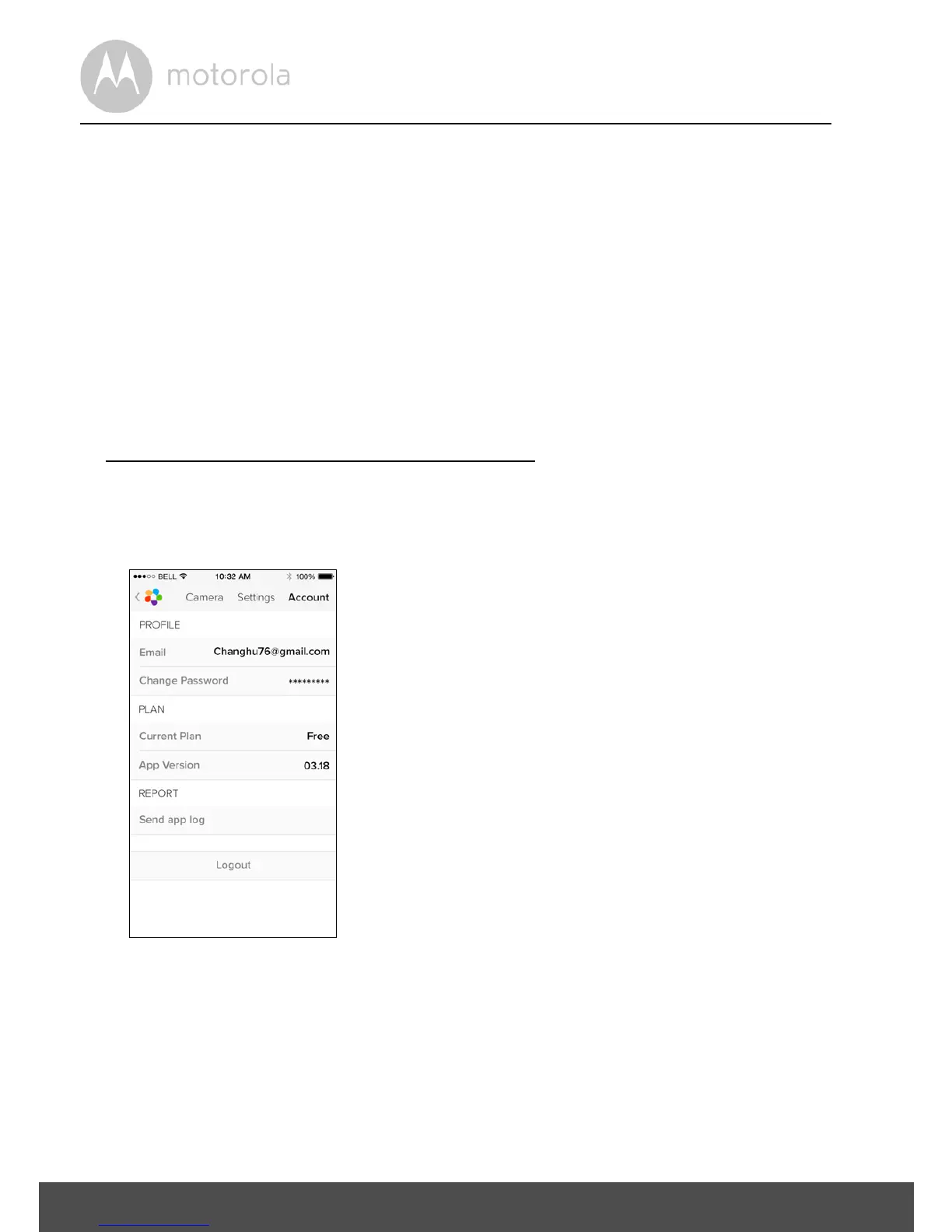
• Tap Account on General page and the account settings will appear on
screen. (Picture i19)
• Tap on Change Password to change your password by following the
instruction.
• Tap on Log Out to leave the account.
• Tap on Current plan and it will proceed to the link of Cloud Video Recording
Service. To obtain more information, please visit our website
www.hubbleconnected.com/motorola/plans
.
• Tap on Send app log to send your Hubble for Motorola Monitors App report
to our server via e-mail; this should be sent if requested by a customer
service agent.



 To Next Page
 Loading...










