14 Getting started - Connecting Devices
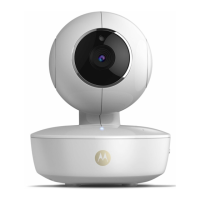
• Press and hold the PAIR button for 3 seconds on the side of FOCUS73
camera and the indicator will flash rapidly. Then tap on Search for Camera.
• The app will auto-search and connect to your Camera as shown on the
pictures below. (Pictures A5 & A6)
• Select Wi-Fi
®
Network and tap Continue, enter password then tap on
Connect. (Picture A7, A8)



 To Next Page
 Loading...