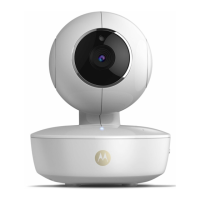
Procedure for resetting the Camera 41
ENGLISH
5. Procedure for resetting the Camera
Note: If your Camera is moved from one router (e.g. home) to another router
(e.g. office) or you have Camera setup issues, then this Camera must be reset
again. Please reset the Camera with the following procedure:
1. Unplug the Power Adapter.
2. Press and hold the PAIR button on the underside of the Camera, then plug
the Power Adapter to the mains power socket, the LED indicator turns ON.
3. Release the PAIR button and wait for the Camera to complete the internal
reset procedure, the LED indicator will turn Off.
4. You can add your camera again by following the steps 3.2.4 for Android
device or 3.3.4 of iOS device.



 To Next Page
 Loading...