47Settings
To turn the phone lock on / o
1. Press
Menu
, scroll d to
Settings
and press
OK
.
2. Scroll
d to
Security settings
and press
OK
.
3. Scroll
d to
Phone security
and press
OK
.
4.
Phone lock
is highlighted, press
OK
.
5. Type in the phone password and press
OK
, if the phone lock was on this will
turn the lock o and visa versa.
8.5 Restore settings
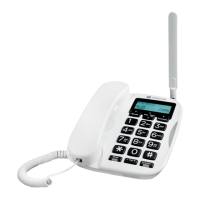
You can reset your FW200L to the default settings.
1. Press
Menu
, scroll d to
Settings
and press
OK
.
2. Scroll
d to
Restore settings
and press
OK
.
3. Using the keypad type in the phone password and press
OK
.
4. Press
Yes
to restore or
No
to cancel.



 To Next Page
 Loading...