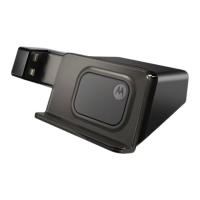
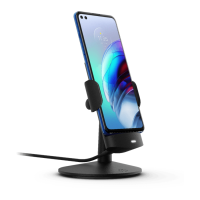
Motorola HD Multimedia Dock
2
Your dock remembers what mode it was in the last
time your phone was in it. To learn about all the really
cool features of your dock, see the in-device help.
Warning:
For indoor use only. Not designed or intended for use in the vehicle. To
avoid injury, do not use this product as a vehicle cradle/mount.
Important
: This product contains magnets and may damage magnetic information
such as credit card strips and ID cards.
Note
: You may need to install drivers on your computer. For drivers, visit
www.motorola.com/support
.
Jones
Lara
just found a black...
Browser
Messaging
37°
NEW YORK
Trevor Gilley
Black turtleneck
and a beret, and
298 minutes away from cake.
Note: Your
HD dock may
include an
optional infrared
remote control.



 To Next Page
 Loading...