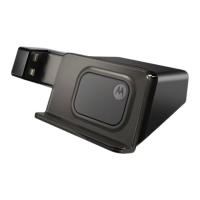
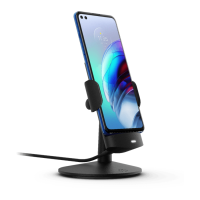
9Motorola HD Multimedia Dock
Use & Care
Use & Care
To care for your Motorola product, please keep it away from:
liquids of any kind
Don’t expose your product to water, rain, extreme humidity, sweat, or
other moisture. If it does get wet, don’t try to accelerate drying with the
use of an oven or dryer, as this may damage the product.
extreme heat or cold
Avoid temperatures below -10°C (14°F) or above 60°C (140°F).
microwaves
Don’t try to dry your product in a microwave oven.
dust and dirt
Don’t expose your product to dust, dirt, sand, food, or other
inappropriate materials.
cleaning solutions
To clean your product, use only a dry soft cloth. Don’t use alcohol or
other cleaning solutions.
shock and vibration
Don’t drop your product.
Recycling
Recycli ng
Mobile Devices & Accessories
Please do not dispose of mobile devices or electrical accessories (such as chargers,
headsets, or batteries) with your household waste, or in a fire. These items should



 To Next Page
 Loading...