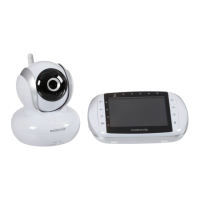
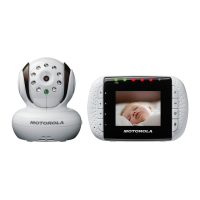
MBP35 Parent Unit Menu Options 13
ENGLISH
4. MBP35 Parent Unit Menu Options
4.1 Brightness
1. Press m until appears on the LCD screen.
2. Press
< and > to adjust the LCD brightness level to
1
,
2
,
3
,
4
, or
5
(the
default setting is
3
). The LCD brightness will be adjusted accordingly.
3. Press
m repeatedly to exit.
4.2 Temperature display (ºC or ºF)
1. Press m until appears on the LCD screen.
2. Press
< and > to change the temperature display to
ºC
,
ºF
or
OFF
(the default setting is
ºC
). The temperature unit and reading will be
changed accordingly.
3. Press
m repeatedly to exit.
4.3 Night Light
1. Press m until appears on the LCD screen.
2. Press
< to turn the Baby unit Night Light
ON
or press > to turn the
Night Light
OFF
. The night lights on the baby unit will be switched on
and off accordingly.
3. Press
m repeatedly to exit.
4.4 Voice Activation
The sound detection sensitivity level (VOX) of the Baby Monitor can be
adjusted. If the baby is a quiet sleeper, the sensitivity level can be
increased so that minor disturbances can be detected and transmitted to
the parent unit.
1. Press
m until
VOX
appears on the LCD screen.
2. Press
< and > to adjust the VOX level to
OFF
,
1
,
2
,
3
,
4
or
5
(the
default setting is
OFF
).
When the VOX function is on (level
1
to
5
), the LCD screen on the
parent unit will be switched off after a few seconds, and the VOX
LED will be turned on.


 To Next Page
 Loading...