11 Getting Started
5. Connect the other end of the power adapter to a suitable mains power
socket, the battery level indicator turns on.
NOTE
Only use the provided power adapter and battery pack. The Parent Unit can
work with the power adapter connected but without a battery pack installed.
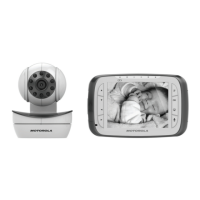
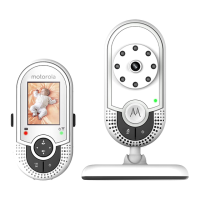
When the Baby Unit and Parent Unit are both turned on, the Parent Unit should
show the colour image from the Baby Unit camera, but if the room is dark the
image will be in black and white and with a icon showing, due to the infra-red
illumination by the Baby Unit.
2.3 Desktop Mount of Parent Unit
• Flip the stand from Parent rear to open position for desktop mount.



 To Next Page
 Loading...