Getting Started - Connecting Devices 11
ENGLISH
Android™
3.2.3 Run the Hubble for Motorola Monitors App on Android™
device
• Ensure your Android™ device is connected to your Wi-Fi
®
router.
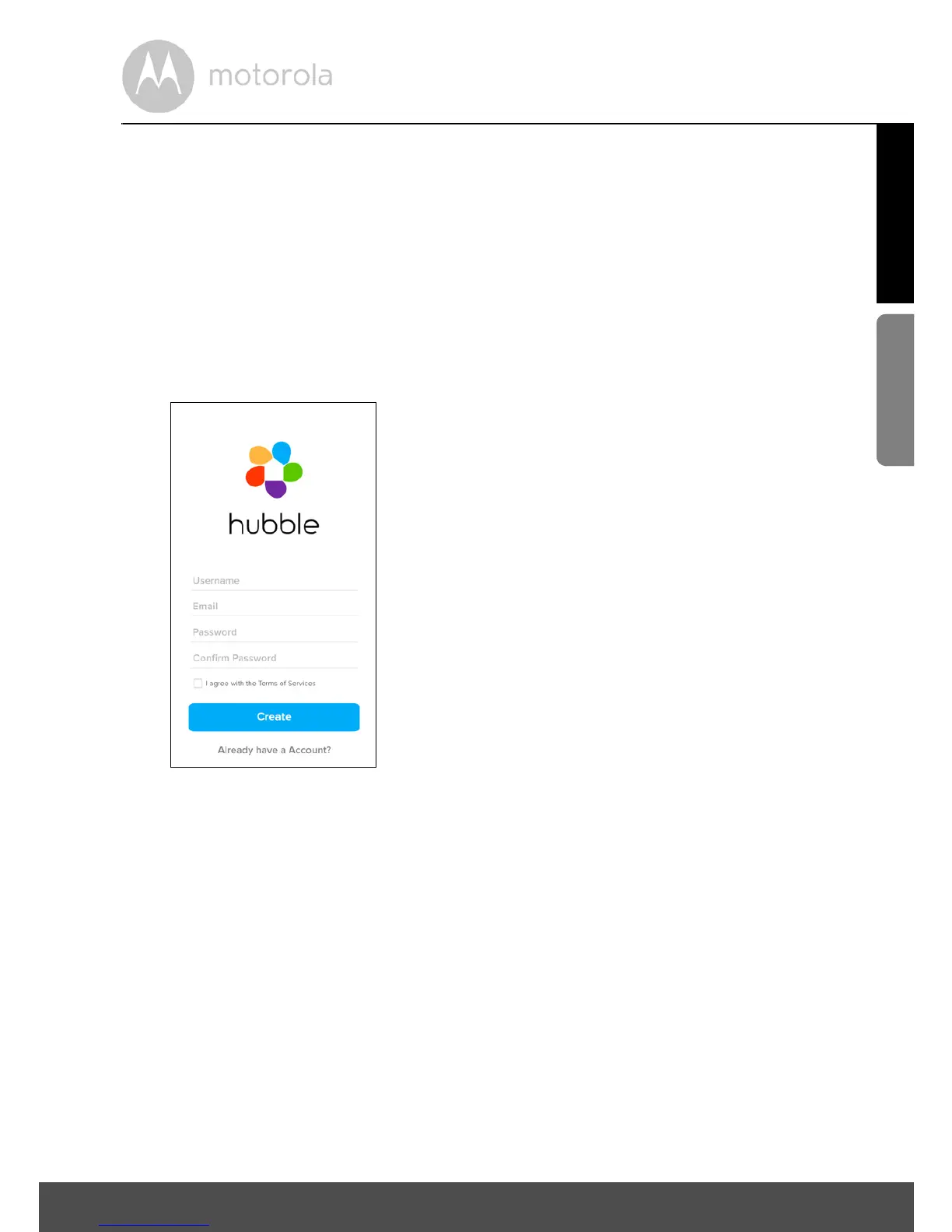
• Run the Hubble for Motorola Monitors App and key in your account
information, select “I agree to the Terms of Use” before you tap on Create.
(Picture A1)
Note: If you already have a Hubble for Motorola Monitors account, please select
Already have a Account? to go to the next step.



 To Next Page
 Loading...







